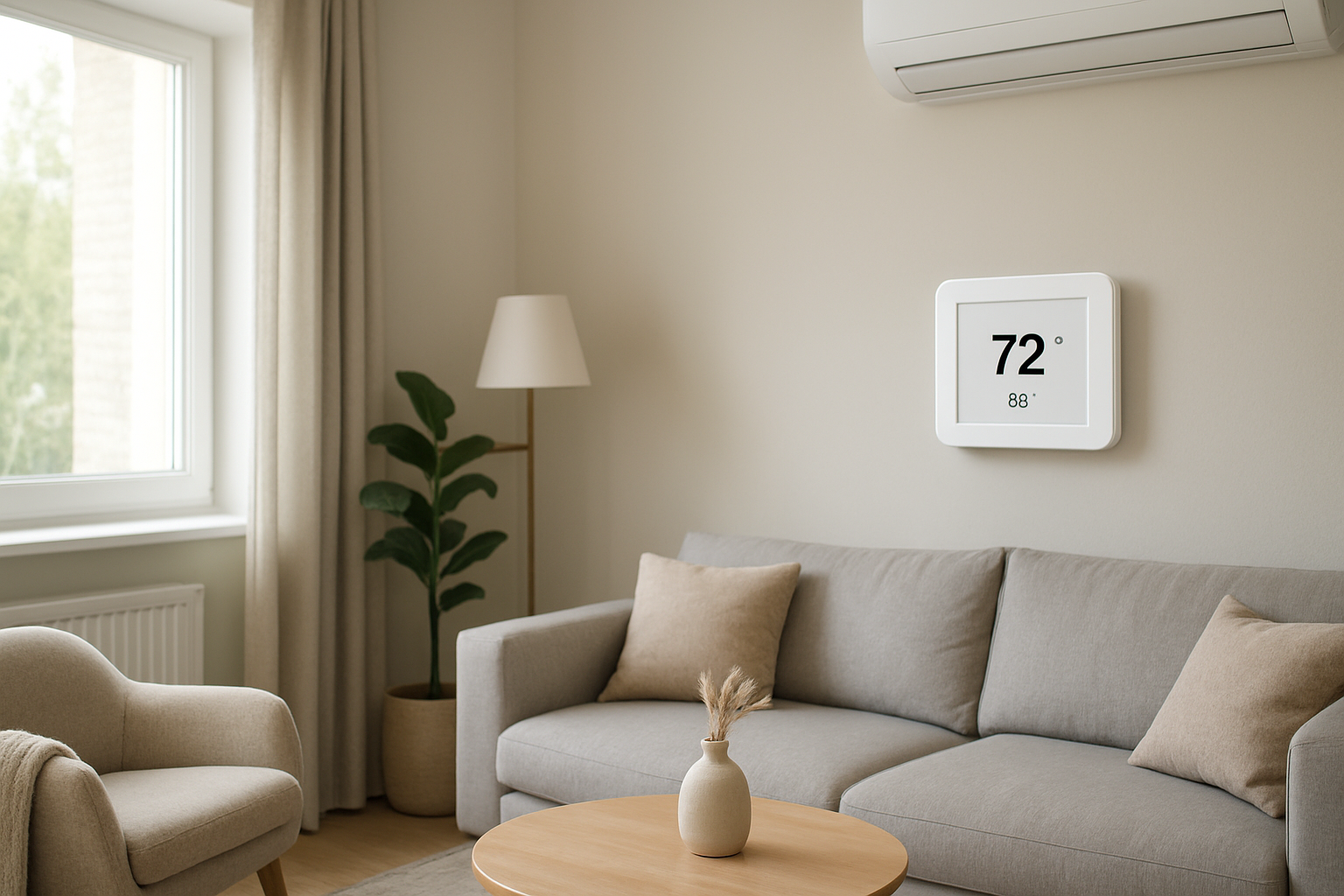
Diagnose why your AC fan changes speed automatically, focusing on how control modulation adjusts fan speed in response to varying cooling demands.
AC Fan Changes Speed On Its Own? Control Modulation
Quick Answer
Most of the time, an AC fan that speeds up and slows down by itself is doing normal control modulation: the system is automatically adjusting airflow to match changing cooling and humidity load. Your first check is to compare fan speed changes to what the outdoor unit and indoor cooling are doing. If speed changes happen only during active cooling and indoor comfort stays stable, it is usually normal.
Identify the Comfort Pattern First
Before assuming a fault, sort the symptom by pattern. Fan modulation that responds to load changes has a repeatable relationship to weather, runtime, and indoor conditions.
When it happens: Does the fan run higher in late afternoon heat or during high humidity days, then slow down at night or early morning?
Where it happens: Do you notice the speed change at supply vents throughout the house, or only in one area (suggesting a duct/zone issue rather than true fan modulation)?
System running vs off: Does the fan change speed only when cooling is active, or does it also ramp up and down with no cooling call?
Constant vs intermittent: Is it a smooth ramp up/down over 30–180 seconds (typical modulation), or abrupt surges every few seconds (more typical of control/sensor problems)?
Doors open vs closed: Do speed changes become more noticeable when bedroom doors are closed (pressure changes and airflow noise change can make normal modulation seem like a problem)?
Vertical differences: When the fan is slower, do you feel more warm air pooling upstairs or near ceilings, then improved mixing when it speeds up?
Humidity perception: When the fan slows down, does the home feel drier and less clammy (often intentional for dehumidification), or wetter and stagnant (could be under-delivery of airflow or cooling)?
Airflow strength: Is airflow still present at all times during cooling, just varying in strength, or does it cut in and out like it is stopping and starting?
What This Usually Means Physically
In a modulating system, airflow is not fixed. The equipment is trying to control heat removal and moisture removal while keeping coil temperature and refrigerant pressures in a safe operating range.
Here is the physical cause-effect chain technicians look for:
Cooling load changes (sun hits windows, cooking adds heat, people come and go) causes the thermostat to demand more or less capacity. The system responds by changing compressor output and matching it with airflow.
Humidity load changes (rainy weather, shower use, infiltration) often triggers lower airflow at the start of a cycle so the coil runs colder and removes more moisture. Once humidity is controlled, airflow may increase to move more sensible cooling (temperature reduction) without overcooling the coil.
Air stratification changes throughout the day. Higher airflow improves mixing (reduces upstairs/downstairs temperature spread). Lower airflow can reduce duct noise and improve dehumidification but may allow more stratification in tall spaces.
Self-protection logic is common on modern controls. If the system senses conditions that risk coil freeze, high static pressure, or high refrigerant pressure, it can adjust blower speed to stabilize operation. This can look like the fan has a mind of its own, but it is reacting to measurable conditions.
In short: automatic fan speed changes are usually a control strategy that tracks load, comfort targets, and safe operating limits.
Most Probable Causes (Ranked)
Normal variable-speed blower modulation during cooling: Fan ramps smoothly and predictably with longer cycles; temperature stays steady and humidity feels controlled.
Dehumidification mode or latent-priority airflow profile: Fan starts lower at the beginning of a cooling call or on muggy days, then increases after 5–15 minutes; indoor air feels less clammy even if temperature drops slowly.
Static pressure changes from zoning or closed doors: Speed shifts are more noticeable when certain zones close or when interior doors shut; some rooms get louder airflow while others weaken.
Thermostat or indoor sensor behavior driving staging: Speed changes correlate with thermostat displayed humidity, room temperature swing, or a remote sensor averaging rooms; you may notice step changes when the system changes stage.
Airflow restriction causing control compensation: A dirty filter or blocked return can force the blower to work harder; some systems ramp up to maintain airflow, often with more return grille noise.
Control fault or sensor error (less common): Rapid hunting up/down, irregular speed changes independent of cooling demand, or modulation that starts after a recent repair/installation change.
How to Confirm the Cause Yourself
These checks do not require tools and focus on observable relationships. Do them during a normal cooling day.
Match fan changes to cooling operation: When you hear the fan change speed, check whether the outdoor unit is running. If fan modulation mainly happens while the outdoor unit runs and indoor temperature is approaching setpoint, that supports normal control modulation.
Watch for smooth ramps vs surging: Stand by one supply vent. Normal modulation sounds like a gradual change over a minute or two. A problem pattern is rapid cycling or repeated surges every 10–30 seconds.
Compare humid days to dry days: On muggy days, note whether the fan runs lower at the beginning of cooling and the house feels less sticky. That pattern is consistent with dehumidification airflow profiles.
Door test for pressure sensitivity: With the system running, close a bedroom door and listen at the supply vent and at the return grille. If airflow sound increases at the supply or return noise changes markedly, the system may be responding to a pressure shift (closed doors, zoning damper positions, or return limitations).
Room-to-room stability check: If the fan slows down, walk the house. If temperatures remain even and comfortable, modulation is likely normal. If one area warms quickly or becomes stagnant when speed drops, suspect duct imbalance, zoning behavior, or return-air limitations rather than the blower itself.
Filter/return observation: Without changing anything yet, listen for whistling at the filter slot or strong suction noise at returns during high fan speed. Noticeable whistling or “straining” sound supports high static pressure which can trigger compensation behaviors.
Normal Behavior vs Real Problem
Normal behavior typically looks like this:
Fan speed changes are tied to cooling calls and happen more on hotter or more humid days.
Changes are smooth and not frequent; the system settles into a stable speed for several minutes.
Indoor temperature stays steady with minimal overshoot, and the home feels less clammy during long cycles.
Airflow never fully drops to zero during a cooling call; it simply modulates.
Real problem indicators include:
Fan speed hunts up and down repeatedly (more than a few changes per cycle) with no clear link to thermostat demand.
Comfort degrades when the fan changes speed: sudden humidity spikes, rooms getting stuffy, or noticeable temperature swings.
Airflow intermittently collapses (feels like it shuts off) while the system is still trying to cool.
New behavior started immediately after a filter change, thermostat change, duct work, or equipment replacement.
When Professional Service Is Needed
Persistent comfort impact: rooms won’t hold temperature, humidity feels persistently clammy, or upstairs/downstairs split worsens when the fan slows.
Abnormal modulation pattern: rapid surging or repeated ramping every few seconds/minute throughout the entire cycle.
Performance decline: longer runtimes than usual with weaker cooling, or supply airflow dropping enough that rooms stop cooling evenly.
System protection symptoms: visible ice on the indoor coil or refrigerant line, water overflow near the indoor unit, or the system shutting down and restarting frequently.
After a control change: modulation became erratic after a thermostat, zoning, or air handler control board change.
How to Prevent This in the Future
Keep airflow paths consistent: avoid frequently closing many interior doors without an adequate return path; pressure swings can exaggerate blower modulation and create room-to-room imbalance.
Use the correct filter type: overly restrictive filters can raise static pressure and force the system to compensate. If you notice new noise or stronger suction after switching filters, revert to the prior type and monitor.
Do not chase vent adjustments weekly: frequent register changes alter room pressures and can make a well-tuned variable-speed system seem unstable. Make changes slowly and observe for a full day.
Keep return grilles clear: blocked returns change system pressure and can drive speed changes and noise.
Track patterns by weather: a simple note of outdoor humidity/temperature versus fan behavior helps distinguish normal load response from a developing restriction or control issue.
Related Home Comfort Symptoms
AC airflow gets stronger as the cycle runs
Vent air feels warmer at first, then colder later in the cycle
House feels clammy even though temperature is met
Upstairs is hotter when doors are closed
Return grille is loud or whistles during cooling
Conclusion
An AC fan that changes speed on its own is most commonly a variable-speed control strategy reacting to changing heat and humidity load. Confirm by matching the speed changes to active cooling, looking for smooth ramps, and checking whether comfort stays stable. If modulation is rapid, unrelated to cooling demand, or creates temperature/humidity swings, treat it as a diagnostic symptom of pressure restriction, zoning effects, or control/sensor issues and schedule service.
Frequently Asked Questions
Why does the fan start low and then get stronger after a few minutes?
That pattern usually indicates a dehumidification or latent-priority profile. Lower initial airflow makes the indoor coil colder so it pulls more moisture out of the air. After humidity removal improves, the fan increases to move more air and control temperature efficiently.
Is it normal for my AC fan to change speed when the sun hits the house?
Yes. Solar gain raises the cooling load quickly, especially on south- and west-facing rooms. A modulating system responds by increasing capacity and matching blower airflow, so the fan often ramps higher in late afternoon compared to morning.
My fan speed changes a lot when bedroom doors are closed. What does that mean?
Closed doors can change return-air paths and increase pressure in closed rooms. That pressure shift changes airflow noise and can influence how a variable-speed blower holds target airflow. If comfort becomes uneven with doors closed, the issue is usually return-air/pressure balance, not the blower motor itself.
How can I tell normal modulation from a control problem?
Normal modulation is smooth and tied to cooling demand, with stable indoor comfort. A control problem tends to hunt: frequent up/down changes without settling, sometimes even when cooling is not active, and it often coincides with comfort swings or unusual noises.
Can a dirty filter make the fan speed change by itself?
Yes. A restrictive filter increases static pressure. Some systems ramp the blower to maintain airflow, while others hit operating limits and behave erratically. If the behavior appeared gradually and return noise increased, filter/return restriction becomes more likely.
Need a complete overview? Visit the full troubleshooting guide here: Read the full guide for more causes and fixes.
There’s relief in realizing it’s not the system “acting up” so much as keeping up with the moment. Speed shifts become less mysterious and more like a steady habit—quietly tuned to whatever your space is asking for.
So when the fan seems to change its mind, it’s not drama, just adjustment. The whole thing settles into the background, and you get to move on with your day—without constantly side-eyeing the thermostat.