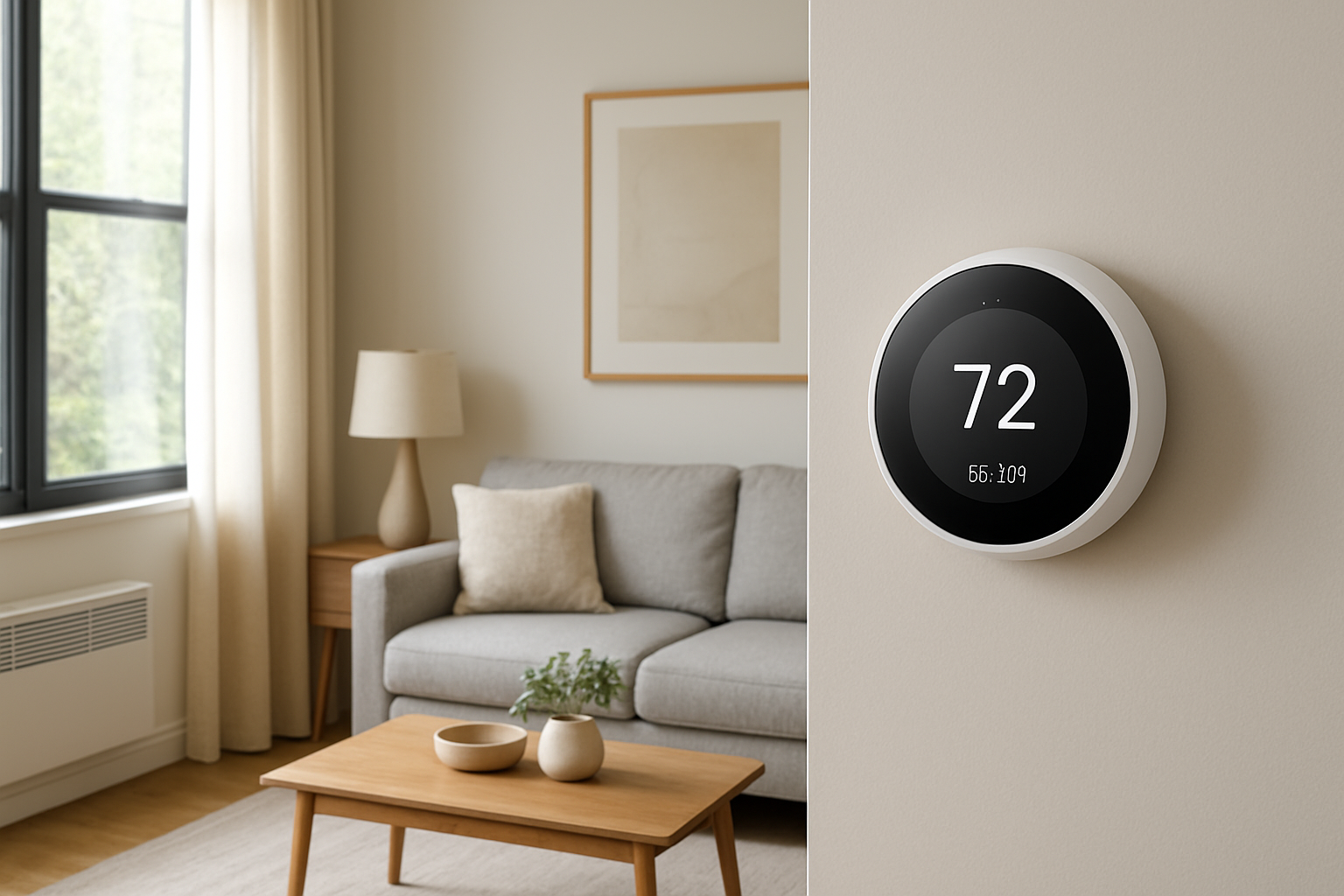
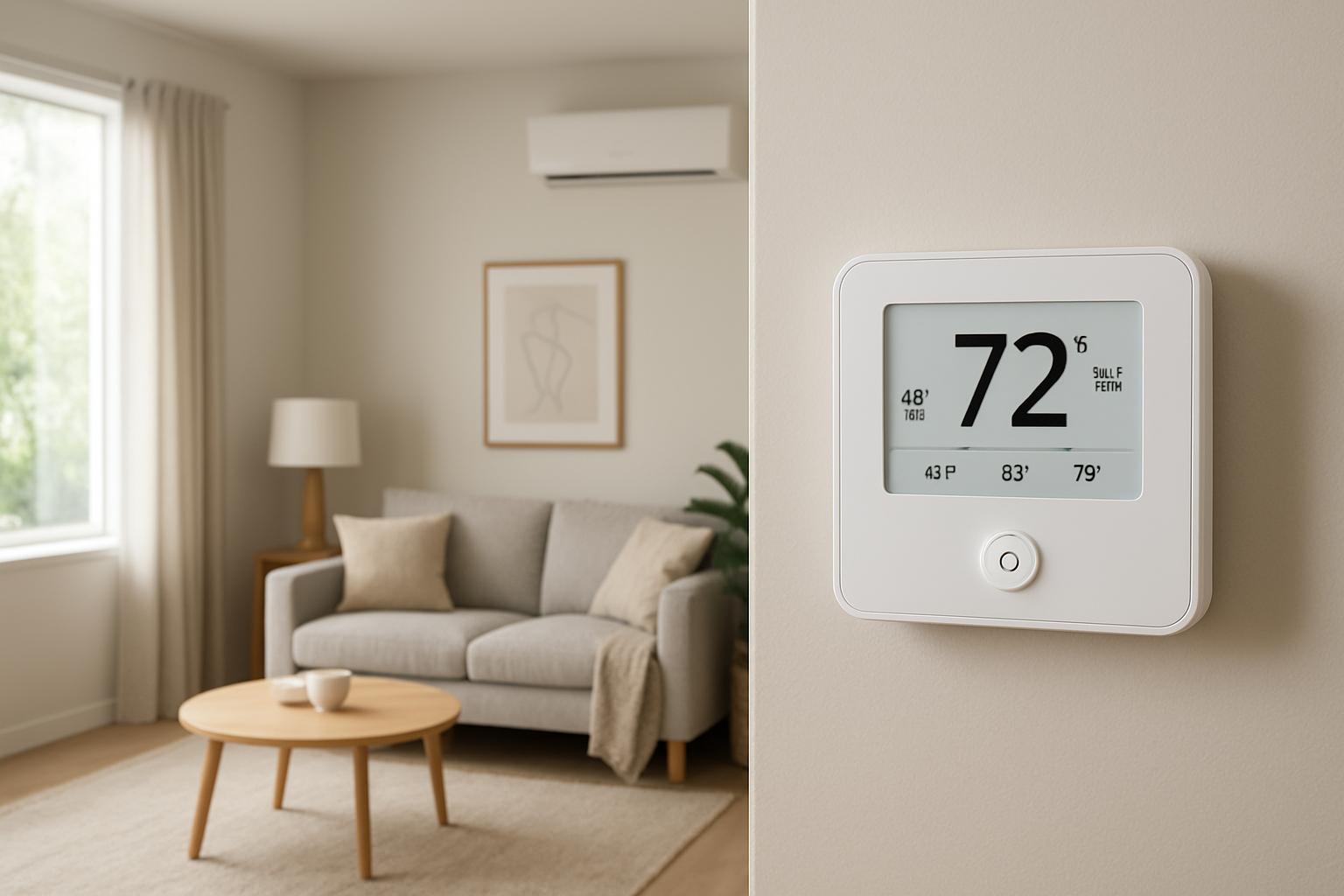
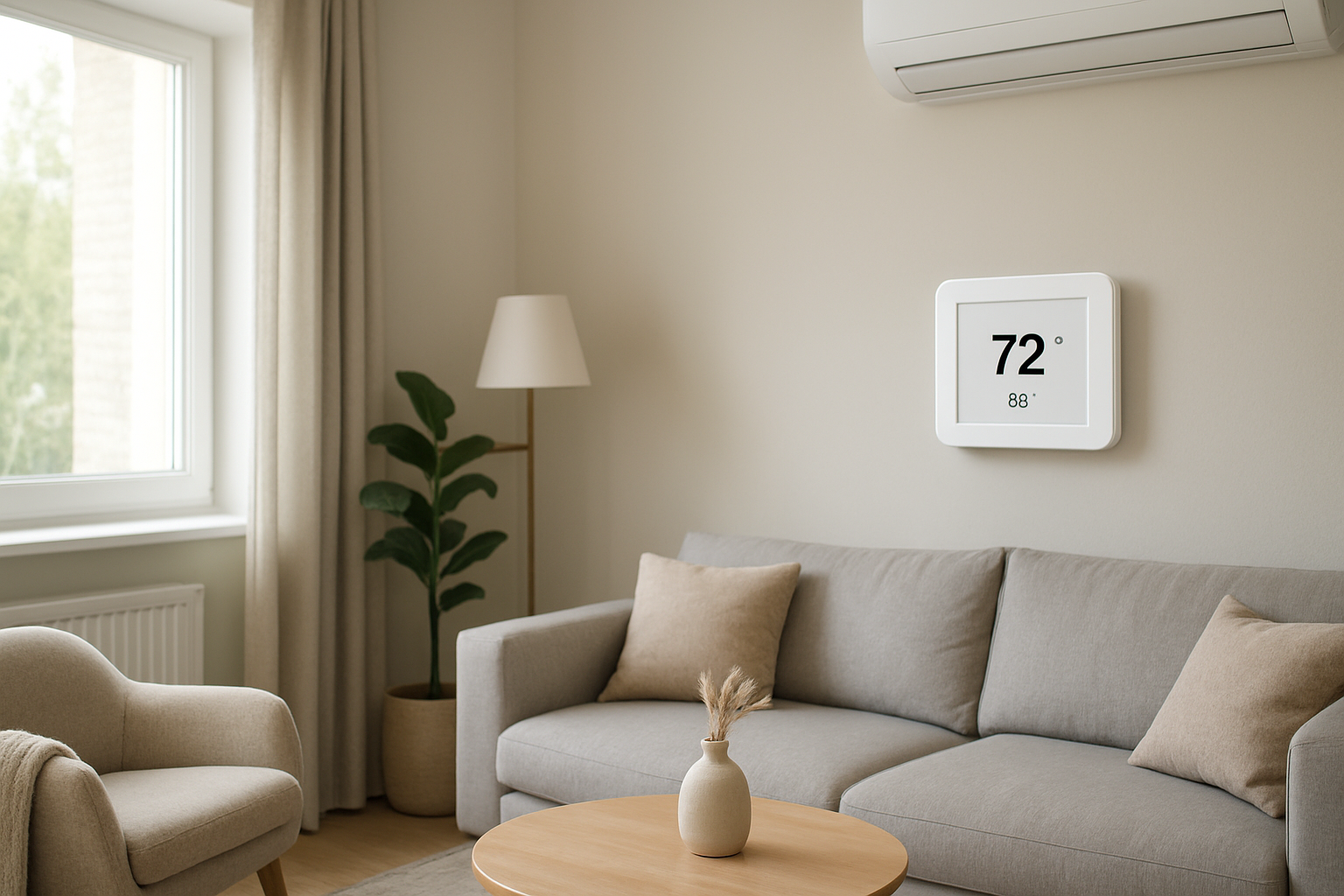
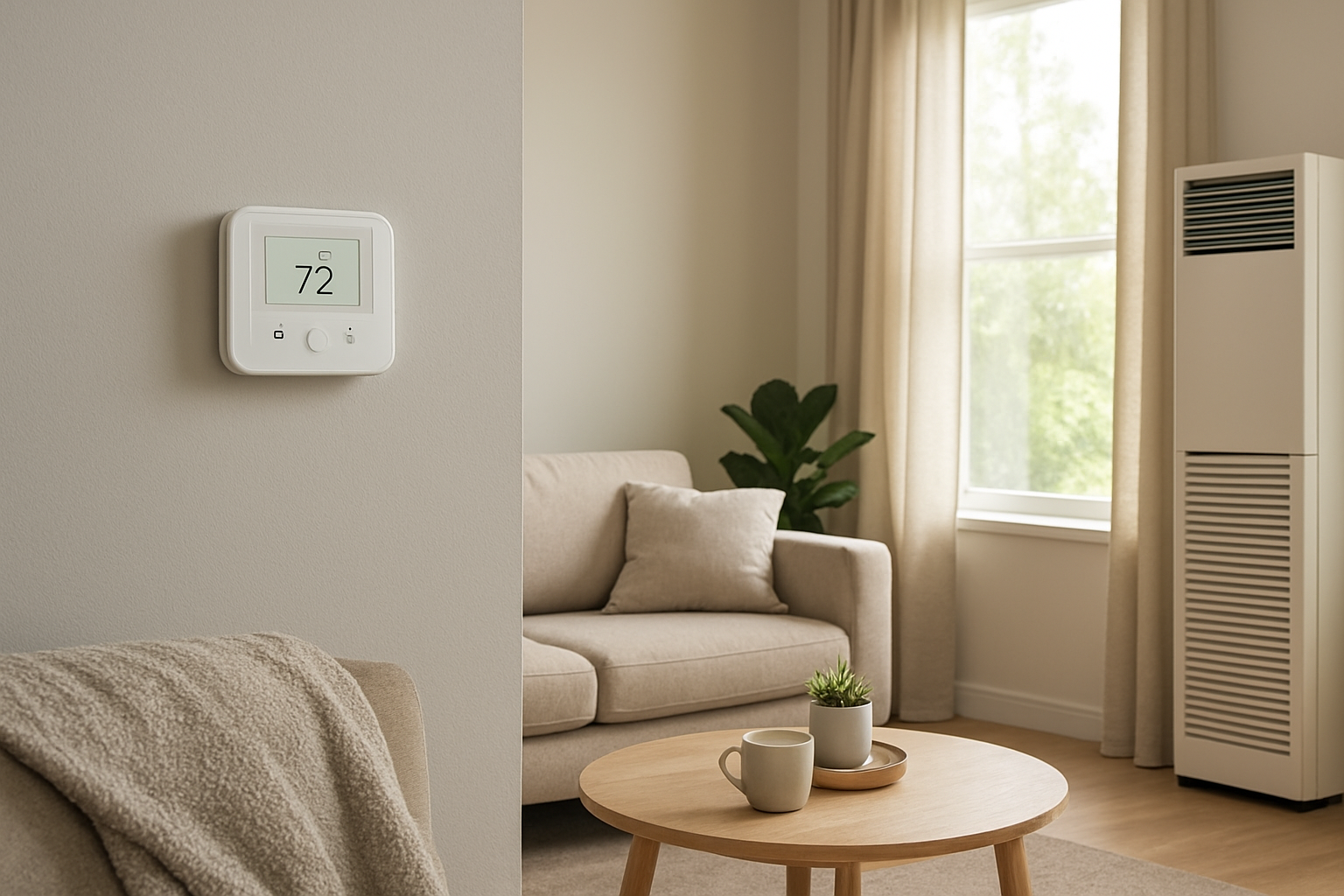
If your system consistently starts early or late compared to the programmed schedule, the most likely cause is thermostat clock drift or a firmware timing bug. First check: compare the thermostat’s displayed time to a phone time source after 24 hours without adjusting it. If the error grows (minutes per day), scheduling will miss even though the HVAC equipment is fine.
Identify the Comfort Pattern First
Before blaming the furnace or AC, sort the symptom. A timing fault creates a very specific comfort pattern.
When it happens: Scheduled events are missed by a similar amount each day (example: 6:00 AM schedule starts at 6:07 AM every morning) or the error gradually worsens over days.
Time of day sensitivity: Problems often show up around wake-up and return-home periods because you notice comfort more then, not because the HVAC changes behavior at those times.
Where it happens: The discomfort is whole-house, not isolated to one room. If only one room is off, it is more likely airflow, balancing, or envelope loss than timing.
System running vs off: The equipment runs normally when it finally starts. You are not seeing short-cycling, lockouts, or continuous running; you are seeing a late or early start.
Constant vs intermittent: Clock drift is usually consistent and accumulative. Firmware schedule glitches are often intermittent, commonly after a power outage, Wi‑Fi drop, app update, or battery change.
Doors open vs closed: Door position has little effect on whether the schedule triggers. It may change how fast rooms recover once the system starts, but it should not change start time behavior.
Vertical temperature differences: Stratification may make the house feel worse when the start is late (cold floors in heating, warm upstairs in cooling), but the key diagnostic is that comfort improves once the system begins running.
Humidity perception: Late cooling starts can feel sticky because humidity rises while the system is off. Late heating starts can feel clammy in cool weather if indoor surfaces drop below comfortable temperature.
Airflow strength: Airflow at registers feels normal during a run cycle. Weak airflow points away from a timing fault and toward duct or filter restrictions.
What This Usually Means Physically
A thermostat schedule is only as accurate as the thermostat’s internal clock and how its firmware executes events. If the thermostat’s clock drifts, the schedule still triggers correctly relative to the thermostat’s incorrect time, but it becomes incorrect relative to real time. That produces predictable early/late starts that slowly worsen.
A firmware timing issue is different: the internal clock may be correct, but the thermostat fails to execute a scheduled event due to a software state problem. Common triggers are power interruptions, battery voltage dips, Wi‑Fi reconnection, time-sync errors, daylight saving changeovers, or corrupted schedule data.
The comfort impact is real building physics: while the system delays, the home continues to exchange heat and moisture with outdoors. In heating season, indoor air temperature and surface temperatures fall due to envelope heat loss and air leakage. In cooling season, solar gain and infiltration increase temperature; indoor humidity rises because moisture loads continue without dehumidification runtime. Once the system finally starts, it must recover a larger load, which makes the miss more noticeable.
Most Probable Causes (Ranked)
Thermostat clock drift (internal timekeeping error): Start times are consistently off by a few minutes and the error grows day by day if you do not manually correct the time.
Firmware schedule execution bug: One or more schedule events occasionally do not trigger, often after a power outage, app/firmware update, Wi‑Fi disruption, or daylight saving change; other days it works.
Time synchronization conflict (cloud/app vs local time): Thermostat time display may look correct, but schedule uses a different time basis; misbehavior appears after changing time zones, disabling internet, router replacement, or switching between phone accounts.
Battery or power stability affecting the clock: Battery-powered or battery-backed thermostats may lose accurate time during low voltage conditions; you may see fading display, resets, or time reverting after brief outages.
User schedule overlap or hidden modes overriding the schedule: Temporary hold, vacation/away mode, adaptive recovery, or geofencing may intentionally shift start times; the thermostat is behaving as programmed, just not as expected.
Equipment delay misinterpreted as timing fault: The thermostat calls on time, but the furnace/air handler starts late due to ignition sequence, compressor protection delay, or defrost logic; you hear or feel delayed airflow even though the thermostat time is accurate.
How to Confirm the Cause Yourself
These checks rely on observation and basic comparisons. Do not open equipment panels or handle wiring.
Measure real clock error over 24 hours: Set the thermostat time exactly to a reliable source (phone network time). Do not adjust it for a day. After 24 hours, note the difference in minutes. Any drift that is noticeable (over about 1 minute per day) will create obvious schedule misses within a week.
Check if the error accumulates: If the thermostat is 3 minutes slow today and 6 minutes slow two days later, that is classic clock drift. If it jumps suddenly (correct yesterday, 10 minutes off today), suspect reset, power event, or time sync conflict.
Separate schedule timing from equipment start delay: Stand at the thermostat at the scheduled time and watch for call indicators (heating/cooling icon, message such as heating on). If the thermostat indicates it is calling at the scheduled time but air starts late, the timing fault is probably not the schedule; it is an equipment delay or safety timer.
Look for mode overrides: On the thermostat screen and in the app, verify you are not in Hold, Away, Vacation, Eco, or Smart Recovery/Adaptive mode. If the thermostat shows an override banner or a different active setpoint than the schedule, it may be following a rule that shifts timing.
Correlate misses with events: Write down when a miss happens and what changed beforehand: brief power flicker, internet outage, router reboot, battery replacement, app update, daylight saving time change. A strong correlation points to firmware/state timing rather than pure drift.
Test with one simple schedule event: Temporarily set a single schedule change 10 minutes in the future (no other changes nearby). Observe whether it triggers exactly on time. Repeat the next day at a different time. Consistent offset suggests drift; inconsistent behavior suggests firmware/state issues.
Normal Behavior vs Real Problem
Normal: A furnace may take 30–90 seconds to deliver warm air after a heat call due to pre-purge and warm-up. An AC may delay a few minutes due to compressor protection logic. Some thermostats intentionally start early for recovery features so the home reaches the target temperature by the scheduled time, not at it.
Likely malfunction: The thermostat time display is wrong or drifts even after correction, and schedule events consistently hit early/late by several minutes. Or schedule events randomly fail with the thermostat showing no call at the time it should. Another warning sign is schedule behavior changing after power/internet events without any schedule edits.
When Professional Service Is Needed
Clock error persists after time correction and updates: If drift exceeds about 1–2 minutes per day and continues after firmware update/reboot, the thermostat hardware is likely faulty and should be replaced.
Repeated missed events with comfort impact: If scheduled starts fail more than once a week and you lose morning/evening comfort, the issue is no longer a nuisance; it is a control reliability problem.
Thermostat calls on time but equipment starts late: If the thermostat indicates heating/cooling on time, but the system delays by several minutes, schedule diagnosis stops and equipment diagnosis begins (control board delays, condensate safety switch, ignition retries, compressor lockout). A technician should verify safely.
Frequent resets or blank display: Any signs of power instability at the thermostat should be investigated to prevent intermittent control loss.
How to Prevent This in the Future
Keep thermostat firmware current: Apply manufacturer updates, especially after known schedule or daylight saving issues.
Use stable power: Replace thermostat batteries on schedule if applicable, and ensure the thermostat is firmly mounted to its base to prevent intermittent power contact.
Verify time after disruptions: After power outages, router changes, or daylight saving transitions, confirm thermostat time and next scheduled event.
Limit competing automation: If you use app-based geofencing, voice assistants, or energy-saving programs, reduce overlap with rigid schedules to prevent unintended overrides.
Keep one reference schedule: Avoid multiple overlapping schedule periods that switch back and forth; simpler schedules reduce firmware edge cases and user confusion when diagnosing.
Related Home Comfort Symptoms
House is cold at wake-up even though schedule is set
AC starts later than programmed and humidity feels higher
Thermostat time keeps changing or is wrong after outages
System runs normally when manually turned on, but ignores schedule
Thermostat shows heating on but air is delayed
Conclusion
When scheduled start times are missed but the system runs normally once it starts, the most probable explanation is thermostat clock drift or a firmware schedule execution issue. Confirm by measuring time error over 24 hours and watching whether the thermostat actually initiates a call at the scheduled time. If drift accumulates or schedule events fail after updates and reboot, replacement or professional diagnosis is justified.
Frequently Asked Questions
How many minutes off is enough to cause real comfort problems?
Even 5–10 minutes late can be noticeable in mild weather because the home continues to lose or gain heat while the system is off. If the error grows daily, small drift becomes a weekly problem. If the miss is consistently over 5 minutes, treat it as a control accuracy issue, not normal variation.
My thermostat shows the correct time, but it still misses the schedule. Why?
That points away from pure clock drift and toward a firmware/state issue or an override. Check for Hold/Away/Eco modes and confirm the thermostat shows a heating or cooling call at the scheduled time. If it does not call, the schedule event is not executing. If it calls but equipment starts late, the delay is downstream of the thermostat.
Could Wi‑Fi problems cause schedule timing faults?
Yes, on thermostats that sync time or schedules through a cloud service. If internet drops or the router changes, time sync conflicts can occur, or schedule rules may not update correctly. A key clue is the problem starting immediately after connectivity changes rather than slowly worsening day by day.
Is adaptive recovery supposed to start the system before the scheduled time?
Yes. Adaptive recovery features may start heating or cooling early so the home reaches the target temperature by the scheduled time. That is normal behavior if it is consistent and results in comfort at the scheduled time. If it starts late or becomes inconsistent, that is not adaptive recovery working correctly.
What if the system starts on time but the house is still uncomfortable at the scheduled time?
That is usually not a timing fault. It suggests capacity or distribution limits: insufficient heating/cooling output, airflow restriction, duct imbalance, or high heat loss/solar gain. In that case, the schedule is working, but the home cannot recover fast enough to meet the comfort target.
Need a complete overview? Visit the full troubleshooting guide here: Read the full guide for more causes and fixes.
When the start times finally land where they’re supposed to, it feels almost boring—in the best way. No more watching the clock like it’s personally out to get you, no more “close enough” guesses that never quite are.
It’s one of those fixes that doesn’t demand drama, just a return to the rhythm you thought you’d already paid for. And afterward, the whole routine seems steadier, like the day remembered its own schedule.