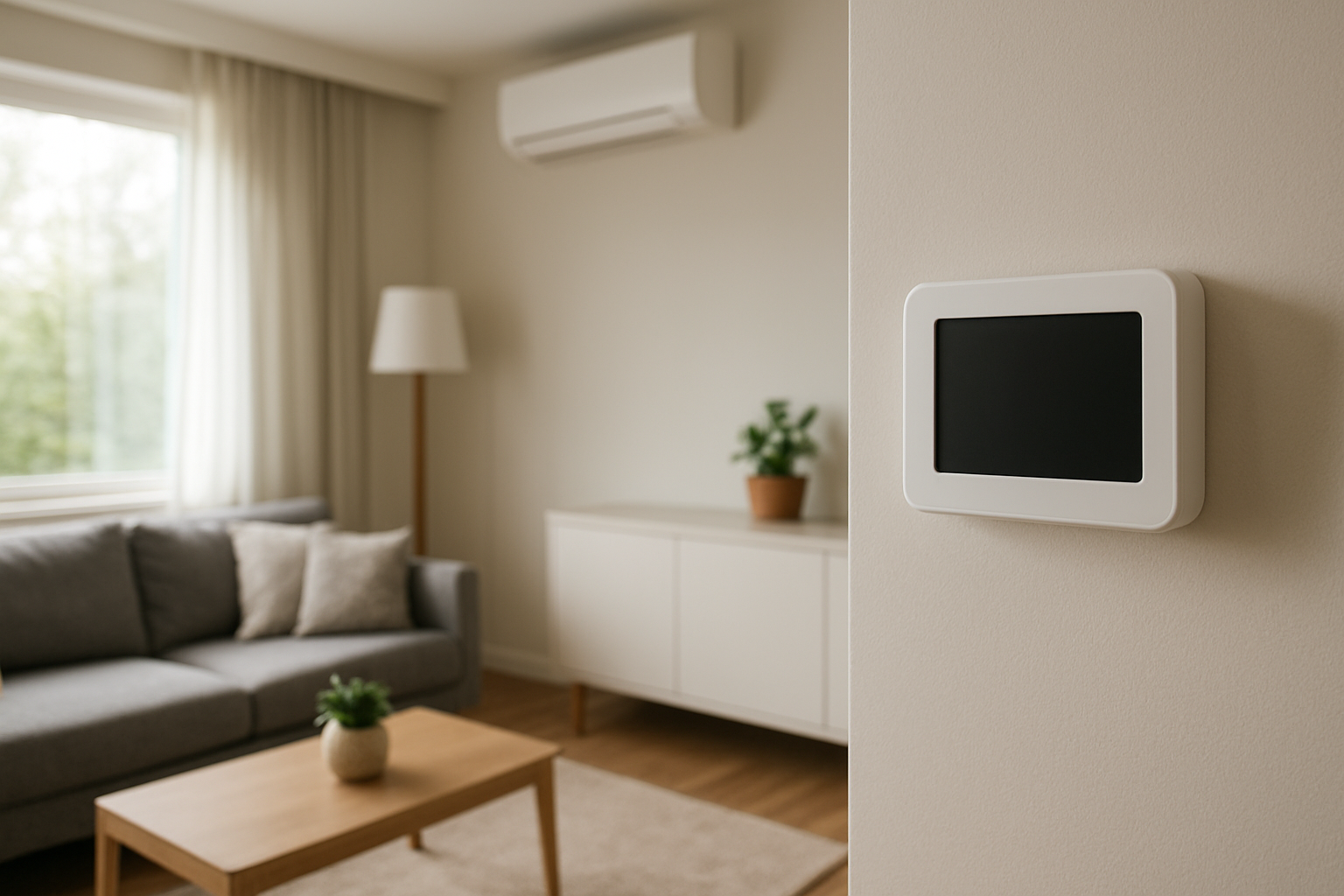
Diagnose and fix a thermostat with a blank screen caused by electrical issues or battery failure, including troubleshooting power supply, wiring, and battery replacement steps.
Thermostat Screen Goes Blank Randomly? Power Is Dropping
Quick Answer
A thermostat screen that goes blank at random is most often losing power from weak batteries, a loose thermostat-on-wall connection, or an intermittent 24V control power drop from the HVAC system. First check: remove the thermostat face and inspect/replace batteries (if present), then firmly reseat the thermostat on its base to confirm the screen stays on.
Identify the Comfort Pattern First
Before chasing wiring, sort the symptom by what you can observe in the house. The power-drop pattern usually matches one of these conditions.
When it happens: Does the screen blank during heating/cooling calls, or when the system has been running a while? Blanking during a call points to a control-power interruption under load.
Time of day / weather: More frequent blanking on very hot or very cold days suggests the equipment is running longer and stressing the control circuit or transformer.
System running vs off: If the screen only blanks when the HVAC is running, suspect intermittent 24V power. If it blanks even with the system off, suspect batteries, thermostat internal failure, or a poor base connection.
Constant vs intermittent: A brief blank then reboot is typical of power interruption. A blank screen that stays blank until touched/removed/reseated often points to contact or battery issues.
Where it happens: If you have multiple zones/thermostats and only one goes blank, the issue is likely local to that thermostat (batteries/base/wiring). If multiple thermostats reset together, suspect a shared 24V power problem.
Comfort impact in rooms: Note whether temperatures drift high/low after the blanking. Power loss can stop calls, leaving rooms to stratify: warmer upstairs in cooling season, cooler near exterior walls in heating season.
Airflow strength: If the fan stops when the screen blanks, you likely lost the call signal (and possibly 24V power). If airflow continues but the screen blanks, the thermostat itself may be rebooting while equipment keeps running (less common, but possible on some systems).
Humidity perception: In cooling mode, a thermostat power drop can shorten cycles or stop the blower, causing humidity to rise and the house to feel sticky even if temperature is close.
What This Usually Means Physically
The thermostat is the switchboard for comfort. When its screen goes blank, it is either:
Not receiving stable power (battery voltage falls below the display’s minimum, or the 24V control supply drops out), or
Not maintaining an electrical connection (loose mounting contacts or wiring momentarily opens), or
Internally failing (electronics reset from heat, component fault, or corrupted power handling).
When thermostat power drops, the HVAC uses fail-safe behavior: it typically shuts off heating/cooling because the control signal disappears. That changes indoor physics quickly:
Temperature drift: The house moves toward outdoor conditions through heat loss/gain. In winter, exterior rooms cool first; in summer, upper floors warm first due to stratification and attic load.
Air stratification increases: With less air mixing, you feel bigger floor-to-ceiling temperature differences, especially on stairwells and second floors.
Humidity changes: Cooling interruptions reduce dehumidification. Even short stops can raise perceived humidity because indoor moisture sources continue (showers, cooking, breathing) while moisture removal pauses.
The key diagnostic idea: a blank screen is not a comfort complaint by itself; it is evidence of unstable thermostat power. The comfort issue is the downstream result of lost control.
Most Probable Causes (Ranked)
Weak or mismatched thermostat batteries (most common on battery-powered stats or stats using batteries for backup). Diagnostic clue: blanking after months of use, after power outages, or during long calls; screen returns after battery change.
Thermostat not fully seated on its base / poor terminal contact. Diagnostic clue: screen flickers or restores when you press on the thermostat, bump the wall, or remove and reattach the face.
Intermittent 24V control power from the HVAC system (transformer, loose low-voltage connection, safety switch opening, or condensate float switch tripping). Diagnostic clue: blanking happens during cooling/heating calls and the indoor unit may also stop; may coincide with water in the drain pan or filter restriction symptoms.
Loose low-voltage wiring at thermostat or air handler control board. Diagnostic clue: random resets unrelated to temperature setting changes; worsens with vibration when blower starts.
Thermostat internal failure or overheating at the wall location. Diagnostic clue: occurs more in afternoon sun or when a nearby heat source warms the thermostat; repeats even with fresh batteries and a solid base connection.
How to Confirm the Cause Yourself
These checks are observation-based and do not require opening the HVAC equipment or handling wiring.
Battery confirmation: If your thermostat has batteries, replace them with fresh, brand-name alkaline batteries (not rechargeable). Then monitor for 48 hours. If blanking stops, the cause was battery voltage drop.
Reseat test: With the system running, gently but firmly press the thermostat face toward the wall. If the display flickers or returns, remove the thermostat from its base and reinstall it carefully until it clicks or sits flat with no wobble.
Control-power pattern check: Note whether the screen blanks only when cooling/heating is actively calling. If the blanking aligns with the moment the system should be running hardest (hot afternoons, long runs), suspect a 24V drop from the HVAC side.
House impact check: After a blank event, measure how quickly temperature drifts in the main living area versus bedrooms. A noticeable drift within 30–60 minutes indicates the equipment likely stopped responding while the thermostat was blank.
Multi-thermostat comparison: If you have more than one thermostat, watch the others during an event. If only one blanks, it is likely local (batteries/base/thermostat). If multiple reset together, suspect shared 24V power stability.
Drain/float symptom check (cooling season): If blanking happens during AC use and the system later comes back on by itself, also listen for intermittent indoor shutdowns and look for signs of high indoor humidity. This pattern commonly matches a condensate float switch opening and closing as water level changes.
Normal Behavior vs Real Problem
Normal: A brief screen dimming or sleep mode after inactivity (screen still returns instantly with a button press and does not reset settings).
Normal: A short reboot immediately after changing batteries or after a deliberate reset.
Problem: Screen goes blank unexpectedly and the system stops heating/cooling, especially if it happens more than once per week.
Problem: Screen blanks and time/programming is lost, indicating a full power interruption or failing memory backup.
Problem: Blanking correlates with system operation (blower start, compressor start, long runtimes), suggesting an unstable control power source rather than a simple display timeout.
When Professional Service Is Needed
Immediate service: The thermostat blanks and the HVAC will not run at all afterward, even after battery replacement and reseating.
Service soon: Blanking happens during heating/cooling calls and indoor comfort is drifting (temperature swings, humidity rise, uneven room temperatures) despite correct thermostat settings.
Service soon: Multiple thermostats reset together or the indoor unit repeatedly shuts down and restarts, indicating a shared 24V power fault or safety interruption.
Service soon: Any signs that a safety device may be tripping (cooling stops with high humidity and possible drain issues; repeated short stops under load). A technician should check the low-voltage circuit, transformer output stability, safeties, and control board connections.
How to Prevent This in the Future
Replace batteries on a schedule (once per year is a practical baseline, more often if the thermostat is a heavy backlight user or runs on batteries full-time).
Use the correct battery type recommended by the thermostat manufacturer; avoid mixing old/new or different brands.
Keep the thermostat firmly mounted so the faceplate contacts stay solid; avoid wall wobble or strained wiring behind the base.
Reduce conditions that trigger control interruptions by maintaining airflow and drainage: change filters on time and keep condensate drains clear so float switches do not cycle power.
Prevent heat exposure at the thermostat by blocking direct sun to the thermostat location when possible; overheating increases reset likelihood on marginal electronics.
Related Home Comfort Symptoms
AC runs, then stops randomly, then starts again later
Thermostat keeps resetting time and schedule
Indoor humidity rising even though AC is set correctly
Large temperature swings between floors after short cycling
System won’t respond unless thermostat is removed and reinstalled
Conclusion
A thermostat that goes blank randomly is almost always a power stability problem: depleted batteries, poor thermostat-to-base contact, or an intermittent loss of 24V control power from the HVAC system. Start with the simplest confirmation: replace batteries (if equipped) and reseat the thermostat. If blanking aligns with heating/cooling operation or affects multiple thermostats, schedule service to locate the control-power interruption.
Frequently Asked Questions
Why does my thermostat go blank but then come back on by itself?
That behavior matches a brief power interruption or a thermostat reboot. The most common reasons are weak batteries, a loose faceplate connection, or a momentary drop in the 24V control power that returns when the interruption clears.
If the thermostat screen is blank, will the HVAC shut off?
Usually yes. When the thermostat loses power, it typically stops sending a call for heating or cooling, so the equipment shuts down. That leads to temperature drift and, in cooling season, reduced dehumidification.
My thermostat has no batteries. What makes it go blank?
It is likely losing the 24V control power that normally runs it. That can be caused by an intermittent connection, a transformer/control issue, or a safety device opening the low-voltage circuit. If reseating the thermostat does not help, this is a service call.
Why does it happen more on very hot or very cold days?
Those days drive longer runtimes. Longer operation increases vibration, heat in equipment compartments, and the chance that a marginal low-voltage connection, transformer, or safety switch interrupts power. The thermostat blanking is the visible symptom of that instability.
Can a clogged air filter make the thermostat screen go blank?
Not directly, but it can contribute indirectly. Restricted airflow can lead to safety shutoffs on some systems or create conditions that trip condensate overflow protection in cooling season. Either event can interrupt the 24V control circuit and cause the thermostat to blank.
Need a complete overview? Visit the full troubleshooting guide here: Read the full guide for more causes and fixes.
When the screen goes dark, it feels like the house has quietly lost a point of control, even if everything else seems fine. Getting it back on track turns that little daily worry into background noise again.
Power steadies, the routine returns, and the thermostat stops acting like it’s tired of you. Not glamorous, but honestly? That’s the kind of fix that earns its keep.