Learn how to diagnose and fix unresponsive thermostat buttons by checking for control interface issues or electrical failures before considering a full replacement.
Thermostat Buttons Suddenly Stop Working? Try This First
Quick Answer
The most common reason thermostat buttons suddenly stop responding is a control interface failure, usually from low power to the thermostat (weak batteries, poor base connection, or a dropped 24V control feed) or a locked/frozen touch interface. First check: verify the display is fully powered and stable, then reseat the thermostat on its wall plate and confirm the system still responds when you change setpoint via the screen/app (if available).
Identify the Comfort Pattern First
Before assuming the thermostat is bad, sort the symptom by what you can observe in the home. The pattern usually points to whether this is a simple interface/power issue or a deeper control electrical problem.
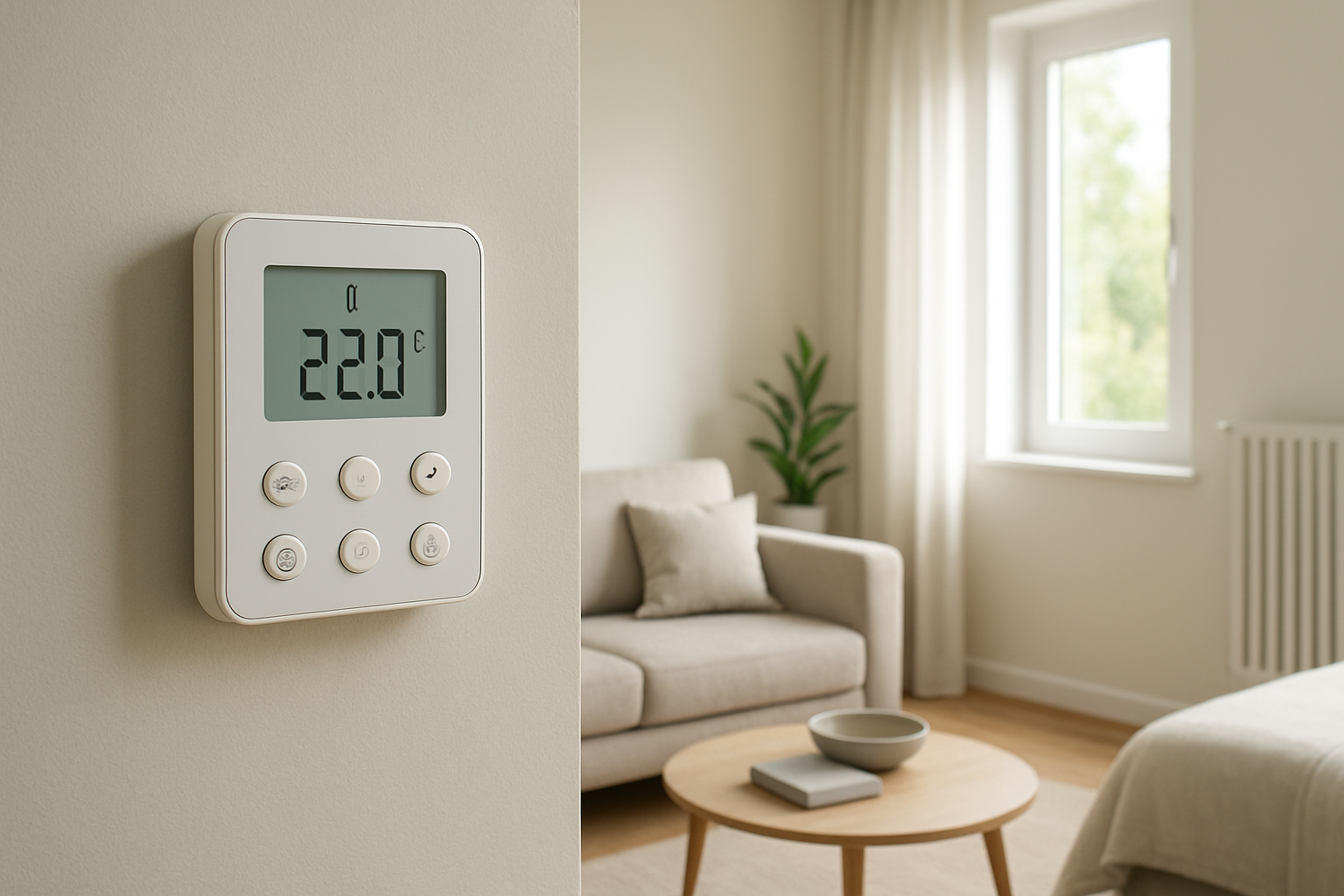
Does the display look normal, dim, or blank? Dim/blank strongly suggests power loss to the thermostat (battery or 24V control power). A bright, normal display with dead buttons points more toward interface lockup or keypad failure.
Is the problem constant or intermittent? Intermittent failure often tracks with loose mounting contact, marginal batteries, or a failing thermostat internal power supply. Constant failure is more consistent with lockout mode, keypad failure, or complete power loss.
Did it start after a temperature swing or humidity event? Sudden cold snaps, heat waves, or very humid days can expose marginal control power connections and cause touchscreen/keypad misbehavior, especially if the thermostat is on an exterior wall.
Does the HVAC equipment run normally even though the buttons do not? If heating/cooling still cycles and the home holds near the last setpoint, the control wiring and equipment likely still work, and the issue is isolated to the thermostat interface.
Is the system stuck running or stuck off? Stuck running can indicate a control short or a thermostat output relay stuck closed. Stuck off can indicate loss of 24V power, a tripped safety switch, or an open control circuit.
Do comfort conditions drift quickly? If temperature changes rapidly and you cannot adjust it, the thermostat’s failure becomes a comfort issue fast. Note how many degrees per hour the space is drifting and whether humidity feels worse as temperature rises.
Do some rooms feel much worse than others? If only one zone is affected (multi-zone systems), isolate which thermostat is unresponsive. In single-zone homes, the entire house should trend together.
Any airflow changes at vents? If buttons fail but airflow remains normal when the system is running, that supports a control interface/power issue rather than an airflow or capacity problem. If airflow is weak and comfort is poor, the thermostat may not be the primary problem.
Any vertical temperature difference getting worse? If the system is stuck off, warm air stratifies in cooling season and you feel hotter upstairs. If stuck on in heating, upstairs can overheat. This helps confirm the equipment state when you cannot change settings.
What This Usually Means Physically
When thermostat buttons stop working, the underlying physical problem is almost always that the thermostat is not processing inputs correctly or does not have stable control power. A thermostat is a low-voltage control device that must maintain clean, continuous power to read sensors, run its microcontroller, and switch heating/cooling calls.
Unstable power causes control glitches. Weak batteries or a sagging 24V supply can keep the screen partially alive while the keypad/touch layer becomes unresponsive, similar to a computer brownout.
Poor base contact interrupts signals. Many modern thermostats connect to the wall plate through friction contacts. Slight movement, wall vibration, or a not-fully-seated thermostat can break power or data paths, killing the buttons while leaving the display appearing normal.
Software lockup looks like dead buttons. A touchscreen that stops responding while the display remains stable is often a frozen interface. The thermostat may still be controlling temperature based on the last state, creating a comfort drift pattern rather than an immediate shutdown.
Electrical faults downstream can remove 24V. If a furnace door switch is open, a condensate safety is tripped, or a control fuse is blown, the thermostat can lose 24V power. That can present as a blank screen or a rebooting screen, and you lose control over indoor temperature and humidity management.
When the thermostat cannot change calls, comfort physics takes over. With no correction from heating/cooling, the home follows heat loss/gain through the envelope and solar gain through windows. Humidity perception worsens when temperature rises in summer because the air holds more moisture and the system is not dehumidifying.
Most Probable Causes (Ranked)
Thermostat not fully seated on the wall plate
Clue: Buttons fail after cleaning, battery change, or a bump; pressing the thermostat body changes behavior or the screen flickers.
Low batteries or battery contact corrosion
Clue: Display is dim, sluggish, reboots, or the backlight won’t stay on; failure is worse at night or early morning when battery voltage dips.
Touchscreen/keypad lockout or settings lock
Clue: Screen is crisp and stable, but nothing changes when pressed; a lock icon, hold mode, or restricted menu access may be visible.
Thermostat firmware/interface freeze
Clue: Display stays on the same screen; time may stop updating; presses do nothing until power is cycled.
Loss of 24V control power to the thermostat (equipment-side issue)
Clue: Blank screen on a hardwired thermostat, or it repeatedly restarts; HVAC equipment may be completely off; issue began after a filter change, service, or water/condensate event.
Internal thermostat hardware failure
Clue: Only certain buttons fail, or the thermostat becomes unreliable over days/weeks even with stable power and a firm mounting.
Control wiring problem at the thermostat or wall cavity
Clue: Intermittent operation tied to temperature swings (wire expansion), recent painting/remodeling, or visible wire looseness behind the thermostat.
How to Confirm the Cause Yourself
Use observation-only checks and simple, safe interactions. Do not open the furnace/air handler panels or handle exposed wires.
Check display stability for 2–3 minutes. If it flickers, reboots, dims, or changes brightness on its own, suspect low power (batteries or 24V feed). A stable display with no response points toward lockout/freeze or a failed input layer.
Reseat the thermostat on its base. Gently pull the thermostat straight off (if it is designed to detach) and press it back on firmly until it clicks or sits flush. If button function returns immediately, the issue was base contact.
Look for lock indicators and restricted control behavior. If you can view temperature but cannot change setpoint, check for a lock icon, schedule hold, parental lock, or building management restriction. If only certain controls are blocked, it is more lockout than failure.
Test the system response, not just the buttons. If the interface allows any change (even one button works), make a small setpoint change and listen for system response within a few minutes:
Cooling: you should hear the indoor blower and outdoor unit start, then feel cooler supply air at vents.
Heating: you may hear the furnace sequence, then feel warming air after the startup delay.
Compare comfort drift to equipment state. If the home temperature is moving away from setpoint and airflow never starts, the thermostat may not be calling or cannot due to power loss. If airflow starts and stops normally but buttons do not work, the thermostat may still be controlling but you cannot adjust it.
Check whether other control methods work. If your thermostat has an app or web control, try changing setpoint there. If the system responds through the app but not the wall unit, the wall interface is at fault. If neither works, suspect power/control loss.
Battery-only thermostats: replace batteries and recheck behavior. If a fresh, correct battery set restores responsiveness, the cause was low voltage or battery contacts. If the thermostat is powered by the HVAC system, battery replacement may not apply.
Note time-of-day correlation. Failures that happen during the hottest afternoon or coldest overnight often point to marginal power or an overheating thermostat location (direct sun, exterior wall cavity temperature swing).
Normal Behavior vs Real Problem
Normal: A brief delay between pressing a button and HVAC response (equipment safety timers) while the thermostat display updates normally.
Normal: Touchscreen sensitivity that changes slightly with very dry air or very cold fingers, but it still responds after a deliberate press.
Problem: Any situation where the display is blank, cycling on/off, or constantly rebooting. That indicates power instability and will eventually cause loss of temperature control.
Problem: Buttons or touch areas do nothing while the rest of the screen looks normal, especially if the thermostat cannot change setpoint at all. That is not a normal delay; it is an interface lock/failure.
Problem: The system is stuck heating or stuck cooling and you cannot stop it from the thermostat. That can quickly create high/low indoor temperatures and humidity issues (overcooling can spike indoor relative humidity; overheating drives dryness complaints and stratification).
When Professional Service Is Needed
Call for service promptly if: the thermostat is blank on a hardwired system and does not return after reseating and battery check, suggesting a 24V control power loss, blown fuse, or safety circuit trip.
Call for service if: the HVAC equipment is stuck running or stuck off and indoor temperature is drifting more than about 2–3°F over a few hours with no ability to correct it.
Stop and call if you notice: burning smell at the thermostat, heat damage/discoloration, buzzing from the wall unit, or repeated rapid clicking from equipment controls.
Multi-zone systems: if only one zone thermostat is dead and that zone is getting extreme, service is warranted to prevent prolonged overheating/overcooling in that area.
Recurring issue: if button failure returns weekly or after every weather swing even after battery replacement and reseating, the thermostat or control power circuit needs diagnosis.
How to Prevent This in the Future
Keep the thermostat firmly mounted and level on its base. A slight gap can create intermittent contact problems that look like random button failures.
Replace batteries on a schedule if your model uses them. Don’t wait for a low-battery message; marginal voltage can cause interface lockups before warnings appear.
Avoid thermostat locations that overheat or get direct sun. Solar gain can over-warm the thermostat face, stressing electronics and causing erratic touch response and inaccurate sensing.
Keep humidity controlled. Excess humidity increases condensation risk on cool surfaces and can contribute to intermittent electronics issues. If humidity feels persistently high while cooling, address airflow/filtration and runtime issues with a technician.
After any cleaning or painting near the thermostat, reseat it. Many failures start immediately after the unit is handled and slightly misaligned on the wall plate.
Related Home Comfort Symptoms
Thermostat screen is blank but HVAC was working yesterday
HVAC runs but thermostat won’t change temperature setting
System stuck on heating or stuck on cooling
Thermostat keeps rebooting or flashing
One zone won’t respond but other zones work normally
Conclusion
When thermostat buttons suddenly stop working, the most likely root cause is a thermostat interface failure driven by unstable power or poor contact at the wall plate. Start by checking display stability and reseating the thermostat firmly on its base, then confirm whether the HVAC system still responds by any available control method. If the display is blank/rebooting or the system is stuck on/off and comfort is drifting quickly, professional troubleshooting of the thermostat power and control circuit is the next step.
Frequently Asked Questions
My thermostat display is on, but none of the buttons work. Is the HVAC system still running?
Often yes. A frozen keypad/touch interface can leave the thermostat controlling based on the last command. Confirm by listening for normal cycling and checking if supply airflow temperature changes when it runs. If the house keeps drifting away from the usual setpoint with no cycling, the thermostat may not be calling correctly.
If I pull the thermostat off and put it back, will I damage anything?
If the thermostat is designed to detach from a wall plate, reseating is a normal user action and is one of the best first checks for contact-related failures. If it does not easily separate, do not force it.
Why would the buttons stop working right after a very hot or cold day?
Extreme temperatures can expose marginal power connections and can overheat a thermostat mounted in a warm wall cavity or in direct sun. Low-voltage power that is barely adequate can drop further under load, causing the interface processor to lock up even if the display still appears normal.
Can low batteries cause a thermostat to look normal but ignore button presses?
Yes. Some thermostats will maintain the display at reduced voltage but become unreliable processing touch/button input. Fresh batteries often fix intermittent non-response, especially if the issue is worse at night or early morning.
The thermostat buttons don’t work and the system won’t turn on. What is the most likely reason?
A loss of control power is most likely: dead batteries (if battery-powered) or a dropped 24V feed from the HVAC equipment (blown control fuse, tripped safety switch, or an open service switch). If reseating and battery replacement do not restore operation quickly, schedule service to avoid extended loss of heating/cooling and humidity control.
Need a complete overview? Visit the full troubleshooting guide here: Read the full guide for more causes and fixes.
There’s relief in getting the little things to behave again, especially when the rest of the day is already doing its best to be complicated. A thermostat that stops responding can feel strangely personal, like it’s withholding comfort out of spite.
Take a breath and move on with the same quiet confidence you’d bring to any small household mystery. After all, most of these moments end with nothing dramatic—just the buttons working like they used to.