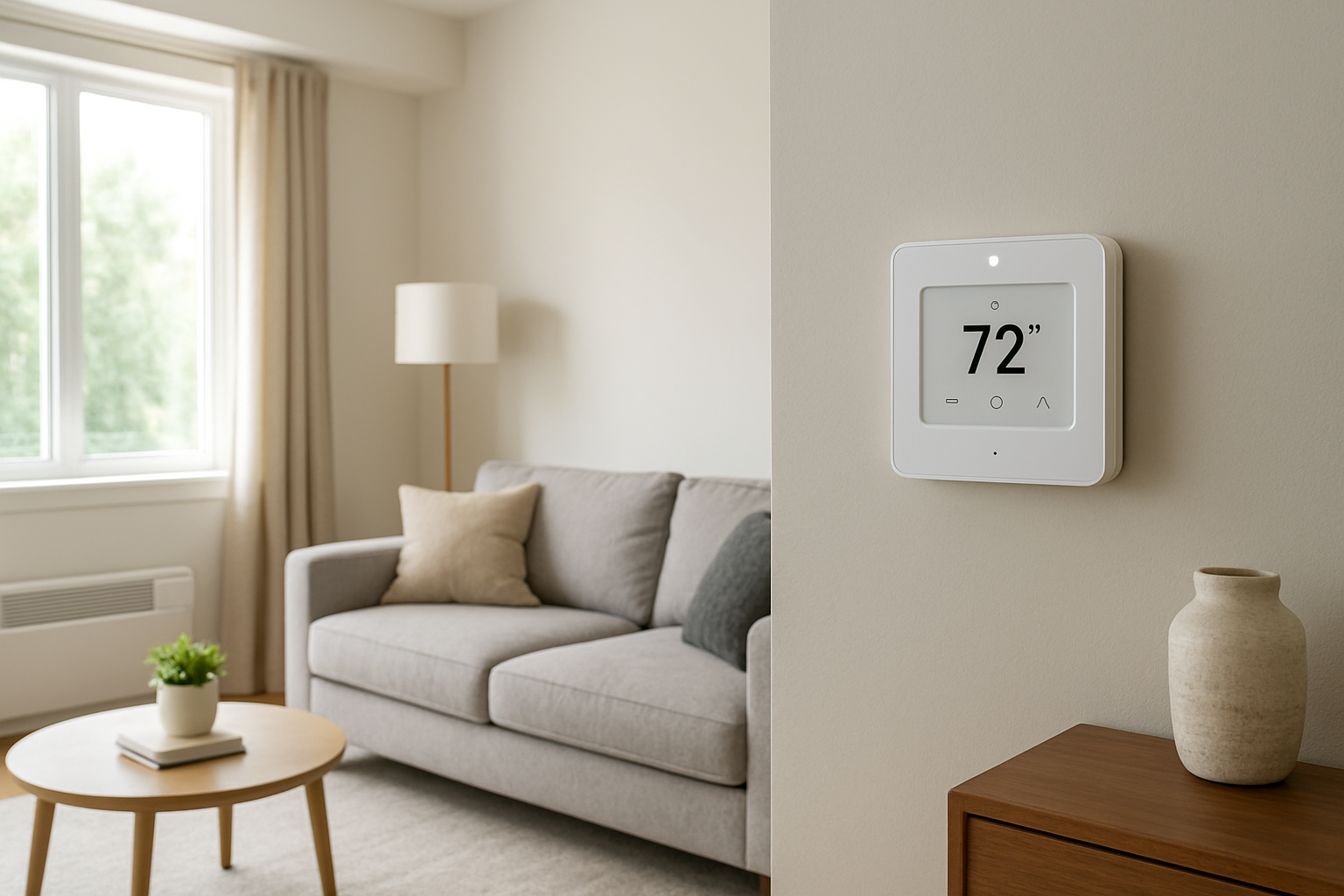
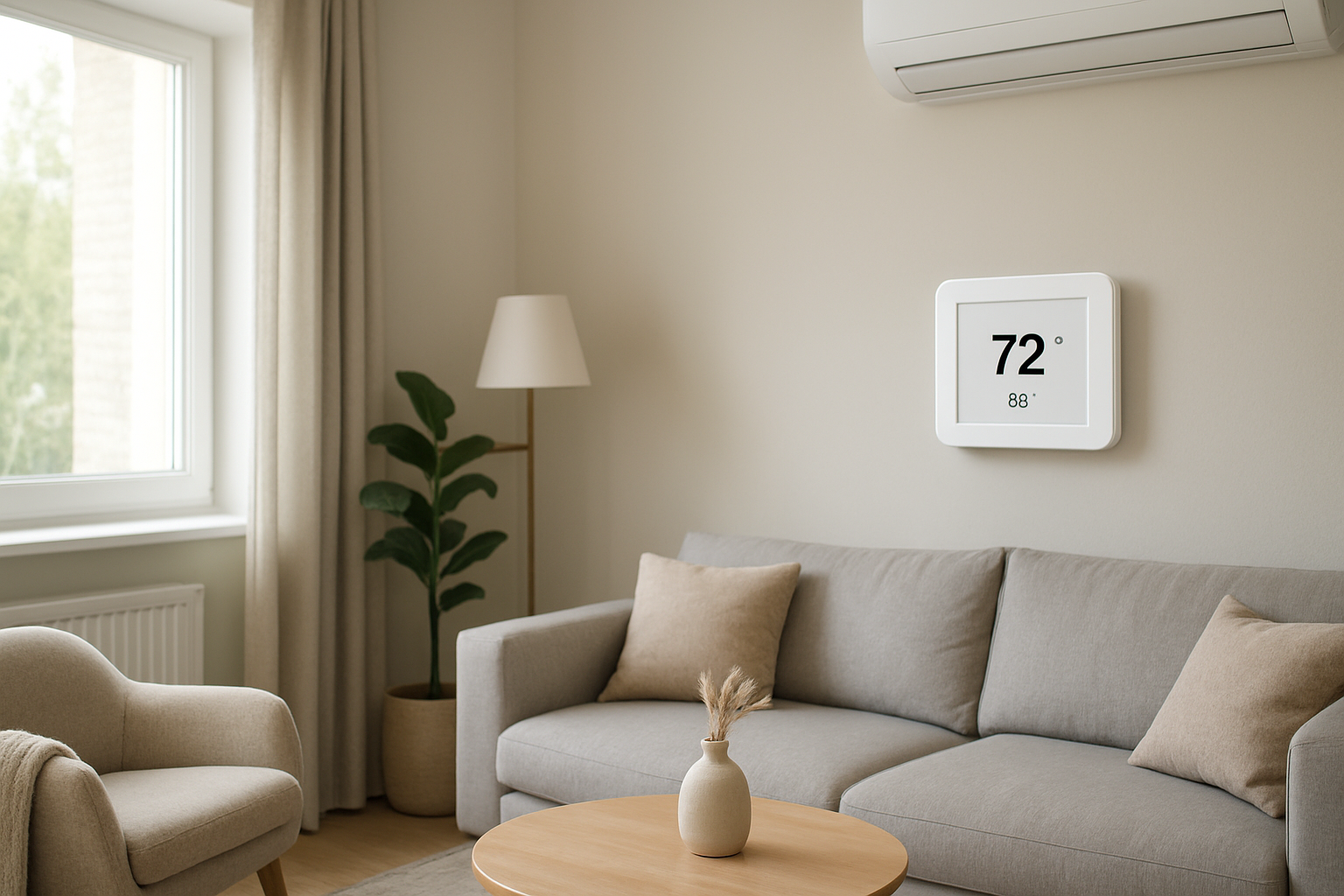
Diagnose and fix thermostat memory loss issues caused by power interruptions or internal faults, helping restore saved settings and reliable temperature control.
If your thermostat keeps losing schedules or setpoints, the most likely cause is a power interruption to the thermostat or a failing internal memory/power-hold component. First check: look for a clock reset or blank screen after the problem occurs. If time/date resets, treat it as a power-loss event at the thermostat, not a temperature control issue.
Identify the Comfort Pattern First
Before assuming the thermostat is defective, sort the symptom into the correct pattern. The pattern tells you whether you are dealing with a true memory reset from power loss or a settings change caused by configuration, lockouts, or app control.
When it happens
After a storm, utility work, or flickering lights: points strongly to a power interruption resetting the thermostat.
Same time every day: often a scheduled event, utility demand response, or a recurring brownout from a large load starting.
Only during heavy heating or cooling calls: suggests voltage drop or transformer overheating when equipment runs.
Where it happens
Only one thermostat in the home: local power/connection issue or thermostat failure.
All thermostats reset: whole-home power quality issue, shared transformer issue, or breaker-related problem.
System running vs off
Resets occur when the furnace/air handler starts: suspect low-voltage (24V) instability or loose control wiring.
Resets occur when system is idle: more consistent with battery failure (if battery-backed) or intermittent power feed.
Constant vs intermittent
Intermittent resets with random timing: loose connection, marginal transformer, or power quality problem.
Frequent resets that are getting worse: failing thermostat internal power supply or failing backup capacitor/battery.
Changes with doors open or closed
No change: this is not an airflow distribution problem. Memory loss is a control power problem that indirectly causes comfort swings.
Vertical differences (floor vs ceiling)
If resets cause long off-cycles, stratification increases: upstairs gets hotter in summer or colder in winter, while the thermostat location may not reflect the extremes.
Humidity perception
After a reset, the system may run less than expected (schedule lost) and humidity will climb in cooling season. This is a common complaint paired with memory loss.
Airflow strength
Airflow feels normal but comfort drifts: supports a control/schedule problem rather than duct restriction.
What This Usually Means Physically
A thermostat that loses saved settings is almost always experiencing a loss of stable power to the circuitry that stores time, schedules, and configuration. Even brief interruptions can reset the device if it does not have a healthy backup source (battery or internal hold-up capacitor) or if its internal power regulation is failing.
When the thermostat resets, the home comfort impact comes from control behavior, not from mechanical airflow changes:
Heat loss and heat gain continue normally through the building envelope. If the thermostat reverts to a default setpoint or an empty schedule, the equipment may run less (or more) than your home needs at that time.
Air stratification increases during long off periods. In cooling season, humidity and temperature rise first upstairs and in closed rooms. In heating season, lower floors cool faster near exterior walls and windows.
Humidity load is time-dependent. If the thermostat reset causes shorter cooling runtime or higher setpoints, indoor humidity can climb because moisture removal depends on adequate cooling run time and coil temperature.
Sensor accuracy is rarely the root cause when settings are lost. A bad sensor causes wrong temperature readings, not erased schedules and clock resets.
Most Probable Causes (Ranked)
1) Intermittent loss of 24V power at the thermostat (most common)
Clue: clock/time resets, screen goes blank, or thermostat reboots; often happens when the system starts or stops.
2) Loose connection on thermostat base or at the air handler/furnace control terminals
Clue: a light touch or slight movement at the thermostat changes the display or triggers a reboot; resets are random and hard to reproduce.
3) Weak or missing backup battery (battery-backed thermostats)
Clue: settings are fine until there is a brief outage; after outage the thermostat comes back with defaults even though the screen normally stays on during normal operation.
4) Failing transformer or overloaded low-voltage circuit
Clue: resets occur more during heavy equipment demand (heating stages, cooling contactor pull-in) or when accessories run (humidifier, zoning panel, UV, smart accessories).
5) Internal thermostat fault (memory or power regulation failure)
Clue: resets occur even with stable house power; time/date may drift, settings disappear without any outage, or the device is unusually warm.
6) External control or software event misinterpreted as memory loss
Clue: schedule changes but clock is correct and there is no reboot; changes align with app users, geofencing, utility programs, or an automation routine.
How to Confirm the Cause Yourself
These checks use observation only. Do not remove panels, handle wiring, or work inside equipment.
Check whether the clock/time resets
If the time is wrong after the issue, that is a power interruption to the thermostat or a reboot event.
If time is correct but the schedule is different, suspect an app, automation, or configuration change rather than a true memory wipe.
Look for reboot signs
Watch during a system start. If the thermostat screen briefly goes blank, shows a startup logo, or clicks then restarts, you are chasing unstable power, not heating/cooling capacity.
Correlate with other electrical symptoms in the home
Note any flickering lights, tripped GFCIs, or appliance clock resets. Multiple devices resetting points to a whole-home power event or brownout.
Pattern check: does it happen when the equipment runs?
If resets happen within a minute of the furnace/AC starting, the low-voltage supply may be dipping right when the control load increases.
If it happens overnight or during idle periods, suspect backup battery failure or an intermittent power feed to the thermostat.
Comfort confirmation: what changed indoors after the reset?
If the house is warmer than usual in summer and feels stickier, check if the thermostat reverted to a higher cooling setpoint or lost programmed run periods.
If some rooms drift far from the thermostat reading, that is a normal result of longer off-cycles and stratification after the reset, not evidence of a duct failure.
Check display behavior at the wall (no tools)
Gently press around the thermostat edges. If the display flickers or the unit restarts, suspect a poor contact at the base or mounting.
Normal Behavior vs Real Problem
Normal behavior
A thermostat may lose the clock after a prolonged outage if it has no battery backup and no internal hold-up, but it should not repeatedly forget settings under normal conditions.
Some smart thermostats update software and briefly restart, but they should retain schedules, Wi-Fi settings, and configuration.
Real problem indicators
Time/date resets more than once.
Schedules revert to defaults or disappear after short outages or brief flickers.
Repeated reboots during equipment start/stop.
Comfort swings appear because the thermostat returns to a default hold temperature that does not match your normal schedule.
When Professional Service Is Needed
Same-week repeat resets after you have confirmed the clock is resetting or reboots are occurring.
Resets coincide with equipment operation (starting heating/cooling triggers the issue). This points to low-voltage stability problems that require electrical verification.
Comfort impact is significant, such as indoor humidity rising noticeably in cooling season or the home getting too cold/hot overnight because schedules are lost.
Any burning smell, buzzing at equipment, or frequent breaker trips. Stop using the system and have it checked.
How to Prevent This in the Future
Replace thermostat batteries on schedule if your model uses them, and replace them before peak heating/cooling season.
Make power interruptions obvious by noting whether other clocks reset. If you have recurring flickers, address the electrical supply issue with an electrician or utility.
Avoid marginal power sources for any thermostat that plugs in (some specialty systems). Use the intended power method so the device has stable supply.
After any outage, verify time and schedule immediately to prevent a days-long comfort drift that looks like an HVAC performance problem.
Keep the thermostat firmly seated and level on its base. A poor base connection can behave like a power interruption even when house power is fine.
Related Home Comfort Symptoms
Thermostat screen goes blank randomly
Thermostat reboots when AC or furnace starts
Indoor humidity suddenly higher than normal with no airflow change
House too hot or too cold in the morning after a power flicker
Program schedule keeps changing but time stays correct
Conclusion
A thermostat that keeps losing saved settings is most commonly resetting due to unstable power to the thermostat or a failing internal memory/power-hold function. Confirm it by checking whether the clock resets or the thermostat visibly reboots when the issue happens. If resets repeat or occur during system operation, schedule service to verify the low-voltage supply and connections, then replace the thermostat if power is stable but memory loss continues.
Frequently Asked Questions
Why does my thermostat lose its schedule but the display stays on?
If the time remains correct and the thermostat does not reboot, the schedule change is more likely coming from an app, automation routine, or a configuration event than from a total power loss. True power interruptions commonly reset the clock or show a restart sequence.
If my thermostat resets, can it make the house feel more humid?
Yes. If the reset causes a higher cooling setpoint or removes scheduled cooling periods, the system may run less. Less runtime typically means less moisture removal, so indoor humidity and that sticky feeling increase even if airflow at the vents feels normal.
How do I know if it is a power interruption versus a bad temperature sensor?
A bad sensor causes wrong or unstable temperature readings while settings remain saved. Power interruption or internal memory trouble shows up as lost time, lost schedules, a reboot, or a return to defaults.
Why does it seem to reset when the furnace or AC starts?
That pattern points to a brief voltage dip on the thermostat’s low-voltage supply right when controls energize. The thermostat may momentarily lose stable power and restart, which can wipe volatile memory if the backup source is weak or the thermostat is failing.
Is it normal for a thermostat to reset after a short power flicker?
No. A modern thermostat should ride through brief flickers or retain settings after they return. If short flickers are causing full resets, suspect weak batteries (if present), unstable low-voltage power, or an internal thermostat fault.
Need a complete overview? Visit the full troubleshooting guide here: Read the full guide for more causes and fixes.
Nothing ruins a morning like realizing your thermostat has politely forgotten everything you asked it to remember. The settings slipping away is more than a glitch—it’s the little daily annoyance that makes your home feel less steady than it should.
With the saved preferences back where they belong, the temperature follows through instead of improvising. After that, it’s just quieter comfort and the kind of consistency you don’t notice until it’s gone.