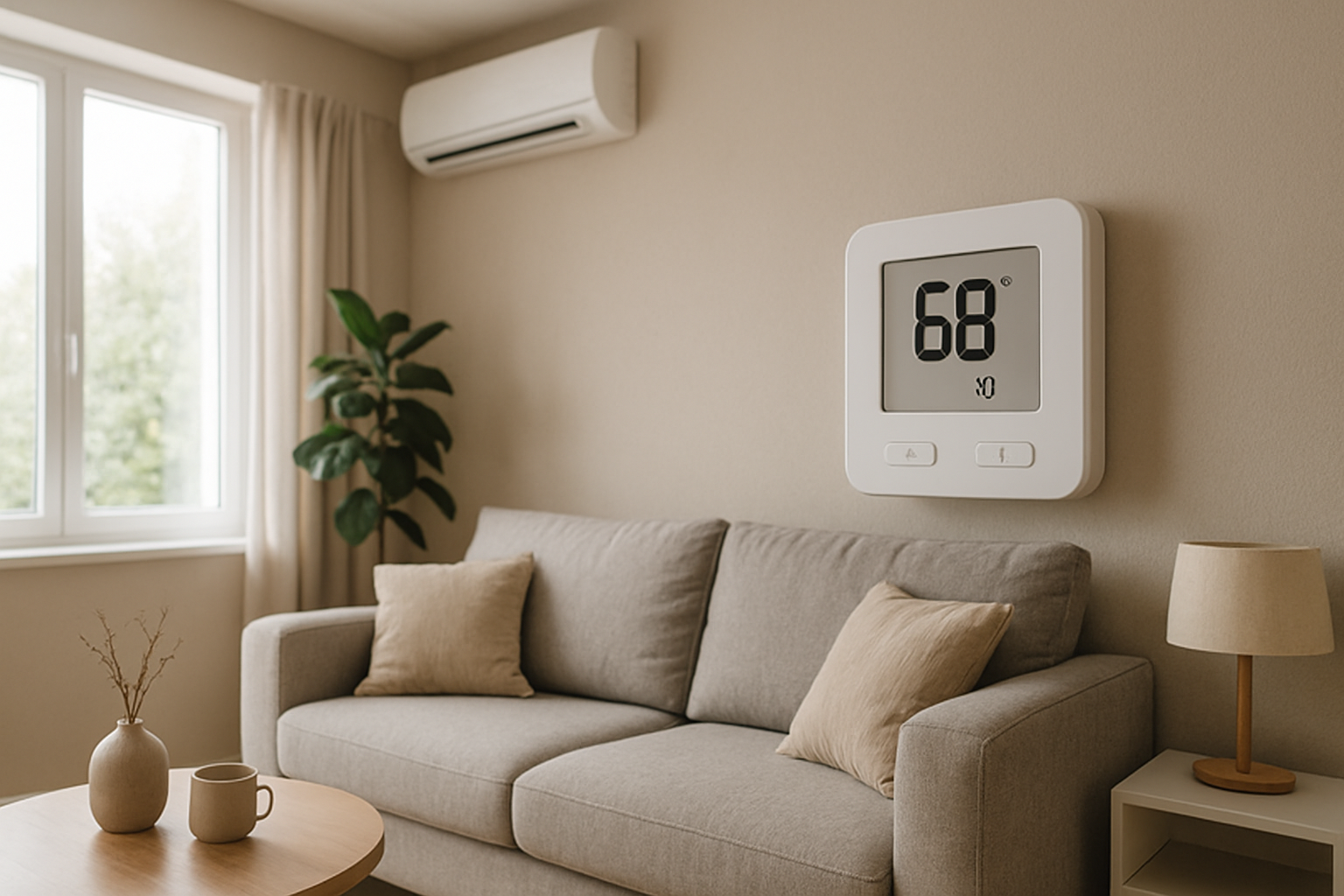
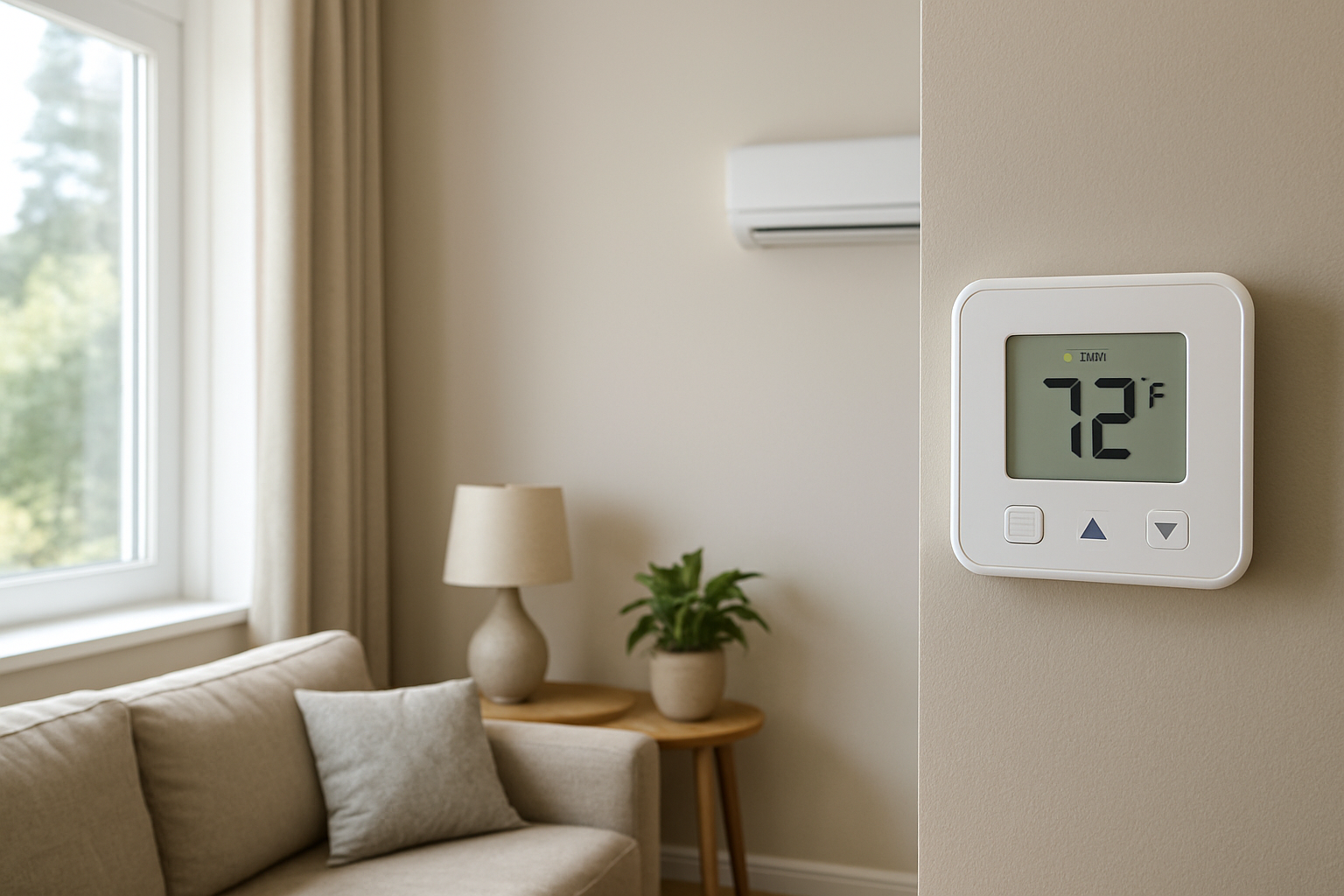
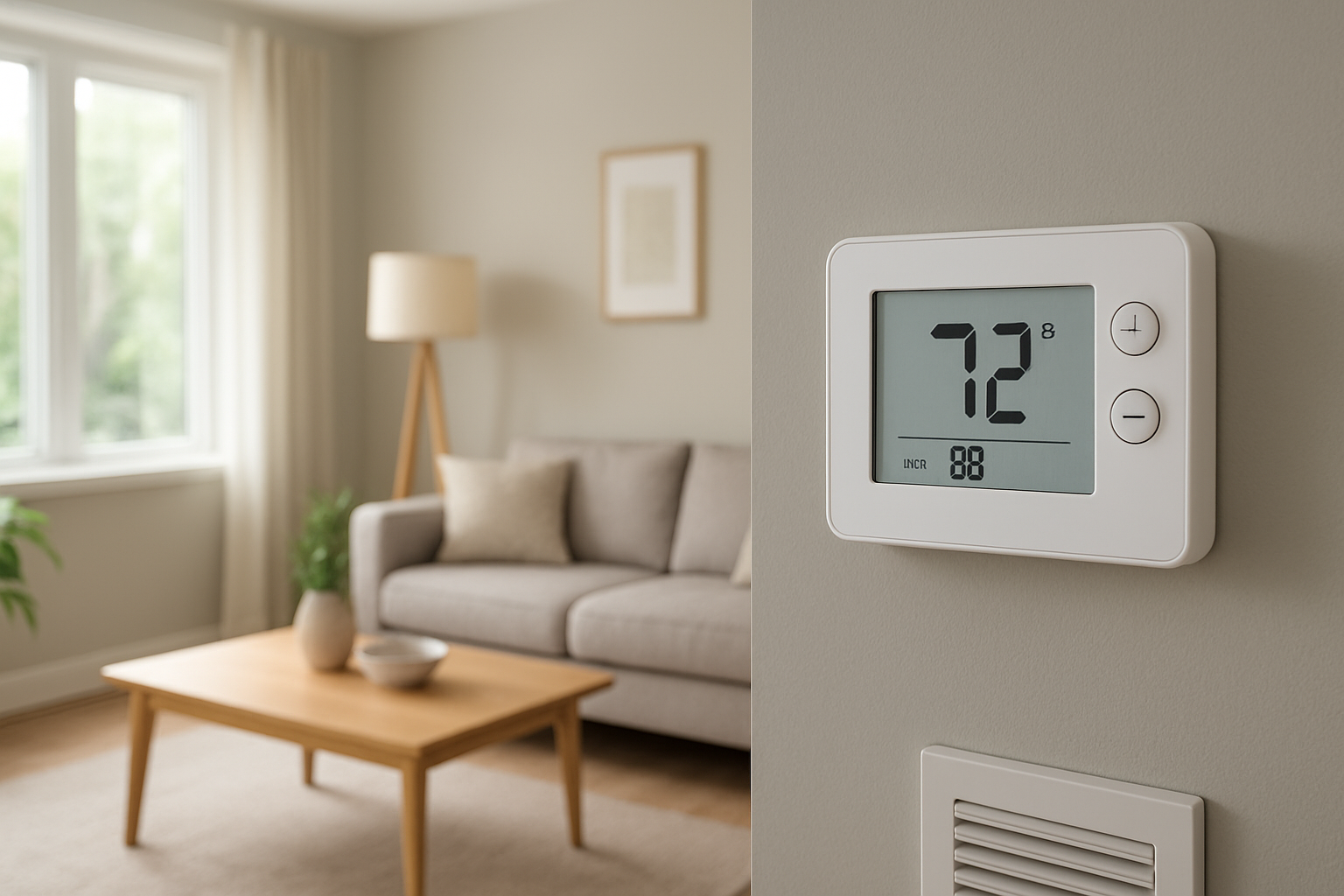
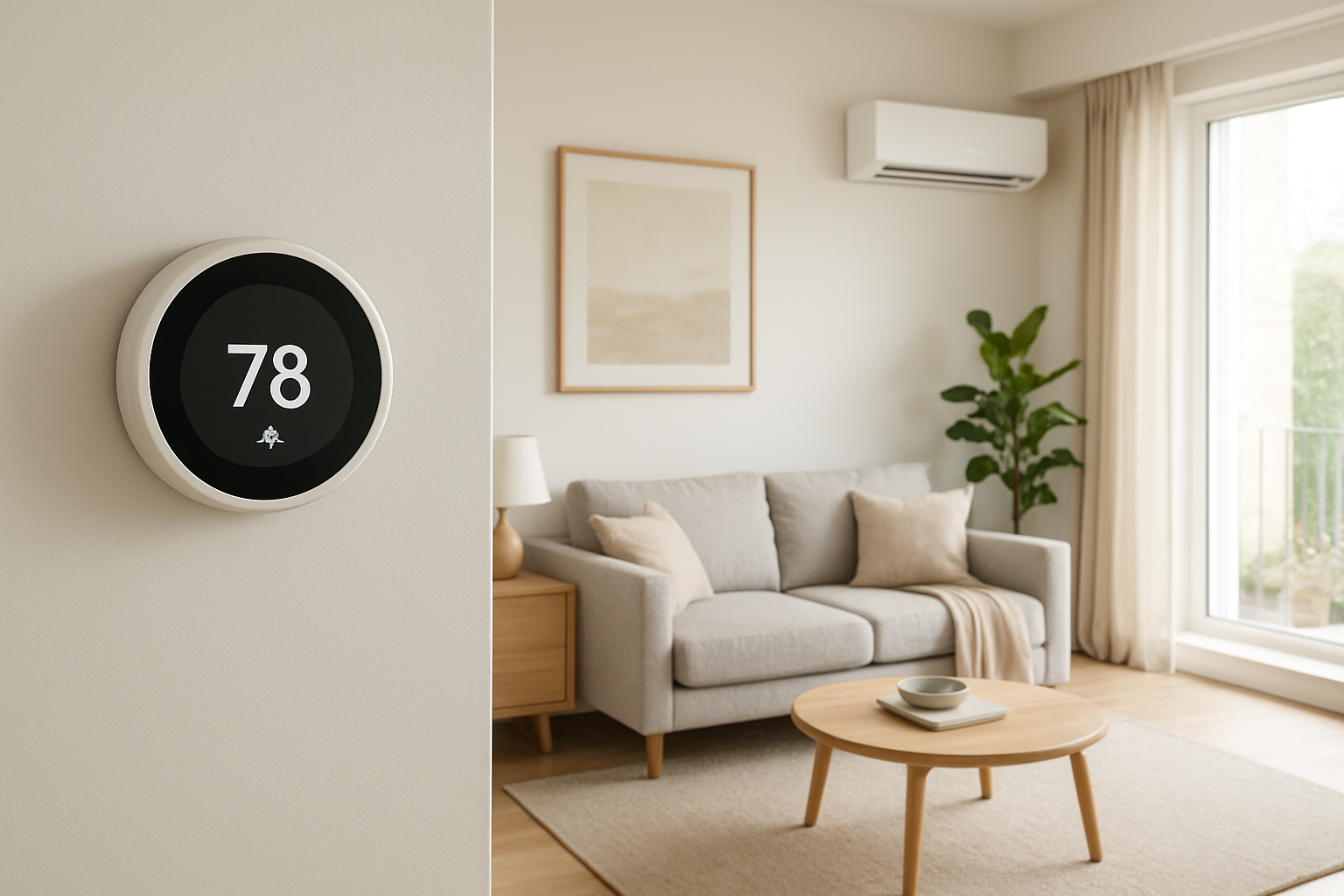
Learn how to diagnose and fix slow thermostat response caused by sensor issues or poor placement, ensuring accurate temperature detection and improved home comfort.
Thermostat Slow To Detect Temperature Changes? That’s A Problem
Quick Answer
The most common reason a thermostat seems slow is a slow sensor response or poor thermostat placement in stagnant air, sunlight, or near a heat source. First check: compare the thermostat reading to a separate thermometer placed right next to it for 20 minutes with the HVAC running and again with it off. Large lag or drifting usually points to location or sensor issues.
Identify the Comfort Pattern First
Before blaming the equipment, sort the complaint by what you can observe. A slow-reading thermostat nearly always creates a repeatable pattern in the house.
When it happens: Is it worse on sunny afternoons, during cooking hours, or overnight when doors are closed? Placement problems show strong time-of-day effects (solar gain, interior heat sources, night-time air stagnation).
Where it happens: Does the home feel too warm or too cool mainly in the rooms farthest from the thermostat? A bad thermostat location can be comfortable at the thermostat spot while the rest of the house drifts.
System running vs off: If the thermostat reading barely changes even after the system has been running 15–30 minutes, suspect sensor lag or the thermostat sitting in low airflow. If it changes quickly only when the blower is on, suspect the thermostat depends on forced air mixing to read correctly.
Constant vs intermittent: If the problem comes and goes, look for intermittent heat hits (sun patches, a supply register blowing on it, a nearby lamp/TV) more than an HVAC failure.
Doors open vs closed: If opening doors suddenly makes the thermostat “catch up,” the thermostat is likely in a pocket of stagnant air or a hallway that doesn’t represent the main living load under closed-door conditions.
Vertical differences: If upstairs feels hot while the thermostat is satisfied downstairs (or vice versa), stratification can make the thermostat slow relative to where people are sitting and sleeping.
Humidity perception: If it feels clammy but the thermostat temperature changes slowly, you may be feeling a humidity load while the thermostat only reacts to temperature, or the sensor is insulated from room air movement.
Airflow strength: Weak airflow at nearby supplies/returns often causes slow mixing at the thermostat location, exaggerating sensor lag and creating delayed reaction to real room changes.
What This Usually Means Physically
A thermostat can only “know” the temperature of the air reaching its sensor. If the sensor is slow or the thermostat is mounted where air is not representative, the control decision is based on the wrong temperature at the wrong time.
Slow sensor response: Some thermostats read through a small plastic housing with limited airflow. Dust inside the case, a sensor embedded away from airflow, or a thermostat mounted on an exterior wall can add thermal mass and insulation effects. The sensor temperature lags behind the actual room air temperature, especially during rapid changes like morning sun, a shower, cooking, or a cold front.
Poor placement and air stratification: If the thermostat sits in a hallway, near a return grille, in a dead-air corner, or in line-of-sight sun, it measures a microclimate. Stratified air (warmer near ceiling, cooler near floor) can make the thermostat read stable while occupants experience change at couch or bed height.
Solar gain and radiant heat: Sunlight warming the thermostat face doesn’t require the room air to warm. The thermostat interprets radiant heat as air temperature and may stop cooling early or call for less heat.
Local heat sources: A nearby TV, lamp, refrigerator, oven path, or even a supply register can create localized temperature swings. The thermostat reacts to that local plume, not the average room.
Air mixing dependence: A thermostat in a low-flow area often only reads accurately once the blower runs long enough to mix the air. That makes it appear slow, but the true issue is the reading location not the sensor speed.
Most Probable Causes (Ranked)
Thermostat located in stagnant air (hallway pocket, corner, behind a door): Clue: opening nearby doors or running the fan makes the thermostat “catch up” faster.
Thermostat exposed to radiant heat from sun or warm objects: Clue: problem is worse on sunny afternoons or when certain lights/equipment are on; thermostat area feels warmer than surrounding air.
Thermostat mounted on an exterior wall or over a cavity with temperature influence: Clue: slow changes during cold or hot outdoor swings; noticeable difference between wall temperature and room temperature near the thermostat.
Internal sensor lag from dust, tight housing, or sensor design: Clue: thermostat reading changes slowly even when air around it changes quickly (confirmed by a nearby fast thermometer).
Nearby supply register or return grille influencing reading: Clue: thermostat tracks quickly only during blower operation and tends to overshoot or short-cycle as airflow starts/stops.
Return-side mixing problem causing the thermostat zone to be unrepresentative: Clue: rooms far from thermostat drift while thermostat stays satisfied; closing doors strongly changes comfort and run times.
How to Confirm the Cause Yourself
These checks use observation and simple comparisons. Avoid removing wires or opening electrical panels.
Side-by-side thermometer test: Place a separate thermometer (or a second thermostat) within 2 inches of the thermostat, same height, out of sun. Leave it 20 minutes with the system off, then observe for 20 minutes with the system running. If the thermostat consistently lags the nearby thermometer by more than 2 degrees during changes, suspect sensor response or installation effects.
Sun and radiant check: At the time the issue usually happens, shade the thermostat with a piece of cardboard held a few inches away (do not cover the vents of the thermostat tightly). If the displayed temperature changes noticeably within 10–20 minutes or the system behavior stabilizes, radiant influence is likely.
Door position test: Recreate the worst condition (bedroom doors closed, typical occupancy). Note the thermostat reading and how the house feels. Then open interior doors for 15 minutes. If the thermostat begins tracking faster and the discomfort reduces, the thermostat is in a poorly mixed area.
Height stratification check: Measure air temperature at about 12 inches above the floor and about 60 inches above the floor in the same room as the thermostat (and in a problem room). If you see a persistent 3+ degree vertical difference, the thermostat is likely reading a layer that isn’t what occupants feel.
Register influence check: Stand near the thermostat when heating or cooling starts. If you can feel supply air blowing toward it or a return pulling strongly right next to it, expect biased readings and delayed correction when the blower stops.
Runtime behavior check: If the system tends to run long and then overshoot (too hot after heating or too cold after cooling), that often matches a delayed thermostat response. If it cycles frequently with small temperature swings, localized drafts or radiant effects are more likely.
Normal Behavior vs Real Problem
Normal: A thermostat may update in small steps and may not reflect immediate room changes minute-by-minute. A 0.5–1.5 degree difference from a nearby thermometer can be normal due to sensor placement inside the device and airflow patterns. After a system starts, it can take 10–20 minutes for the average room temperature to change measurably in a typical house.
Real problem: The thermostat reading consistently lags the room by 2+ degrees during routine changes, or the house repeatedly overshoots/undershoots setpoint because the thermostat reacts late. Another red flag is a strong time-of-day bias (especially sun-related) where comfort problems align with sun exposure more than outdoor temperature changes.
When Professional Service Is Needed
Persistent comfort miss: The home regularly ends up more than 2 degrees away from setpoint in occupied areas even though the thermostat claims it is satisfied.
Repeated overshoot/undershoot: Heating runs long and ends up too warm, or cooling runs long and ends up too cold, especially when paired with thermostat lag confirmed by side-by-side testing.
Placement cannot be corrected by simple changes: The thermostat is on an exterior wall, in a chronic draft path, or in a location that cannot represent the primary living space.
System behavior changes after thermostat replacement or wiring concerns exist: If the display is unstable, schedules behave erratically, or the system runs when it should not, a technician should verify thermostat configuration, staging, and control wiring.
Safety indicators: Any burning smell, tripped breakers, or a furnace that short-cycles rapidly and repeatedly should be evaluated promptly, even if the complaint started as thermostat slowness.
How to Prevent This in the Future
Keep the thermostat in representative air: Best locations are interior walls near the main living area with stable airflow, away from direct sun, returns, supplies, and exterior doors.
Control airflow around the thermostat: Avoid leaving a supply register aimed toward the thermostat or placing heat-producing devices on the same wall section.
Maintain gentle mixing: If your home stratifies, use the fan in circulation mode if available, or run the blower periodically to reduce layering without over-conditioning.
Keep the thermostat clean: Light dust buildup can slow response, especially on older mechanical or vented housings. Use gentle exterior cleaning only unless a professional is servicing it.
Reassess after remodels: New lighting, removed walls, added returns, and window upgrades can change air patterns and solar gain. A previously acceptable thermostat location can become biased.
Related Home Comfort Symptoms
System overshoots setpoint then feels uncomfortable
Thermostat reads right but certain rooms are consistently off
Temperature swings are worse when bedroom doors are closed
Cooling stops too early on sunny afternoons
Upstairs too hot while downstairs thermostat is satisfied
Conclusion
A thermostat that is slow to detect temperature changes is usually not an HVAC capacity problem first. It is most often sensor lag or, more commonly, a placement issue where the thermostat sits in unrepresentative or poorly mixed air, or gets hit by radiant heat. Confirm it by comparing to a nearby thermometer and checking for sun, drafts, and door-position effects. If lag exceeds about 2 degrees or comfort repeatedly misses setpoint, corrective relocation or professional verification is justified.
Frequently Asked Questions
How much lag between my thermostat and a thermometer is acceptable?
In steady conditions, within about 1 degree is typical. During active heating or cooling, brief differences can occur, but if the thermostat is routinely 2 degrees or more behind a nearby thermometer for 15–20 minutes, that is actionable lag and usually points to placement or sensor response problems.
Why does my thermostat react faster when I run the fan continuously?
Because the fan improves air mixing. If the thermostat is in a stagnant spot, it depends on forced airflow to bring representative air to the sensor. That pattern strongly supports poor placement or stratification rather than a failing furnace or air conditioner.
Can sunlight really make the thermostat wrong even if the room feels fine?
Yes. Direct or reflected sun can warm the thermostat body by radiation without the air temperature rising the same amount. That causes early shutoff in cooling or reduced heat calls. If the problem lines up with a sun patch at certain hours, treat it as radiant influence until proven otherwise.
Does a thermostat on an exterior wall cause slow temperature detection?
It can. Exterior walls can be cooler in winter and warmer in summer than the room air due to conduction through framing and insulation gaps. The thermostat may “average” wall temperature and air temperature, creating slow response and bias during outdoor swings.
Should I replace the thermostat if it seems slow?
Only after confirming placement and air mixing. Many “slow thermostat” complaints disappear when the device is shielded from radiant heat, moved away from drafts/returns/supplies, or relocated to a representative interior wall. Replace the thermostat when side-by-side testing shows persistent lag in the same air and location, or if the device is unstable or misconfigured.
Need a complete overview? Visit the full troubleshooting guide here: Read the full guide for more causes and fixes.
When the thermostat finally keeps up, the house feels less like it’s playing catch-up and more like it’s paying attention. Comfort lands where it should, right on time, not a whole cycle later.
Small fixes like these have a way of turning everyday temperature swings into something you barely notice. Quietly, life gets smoother—no drama, just steady warmth or cool air doing its job.