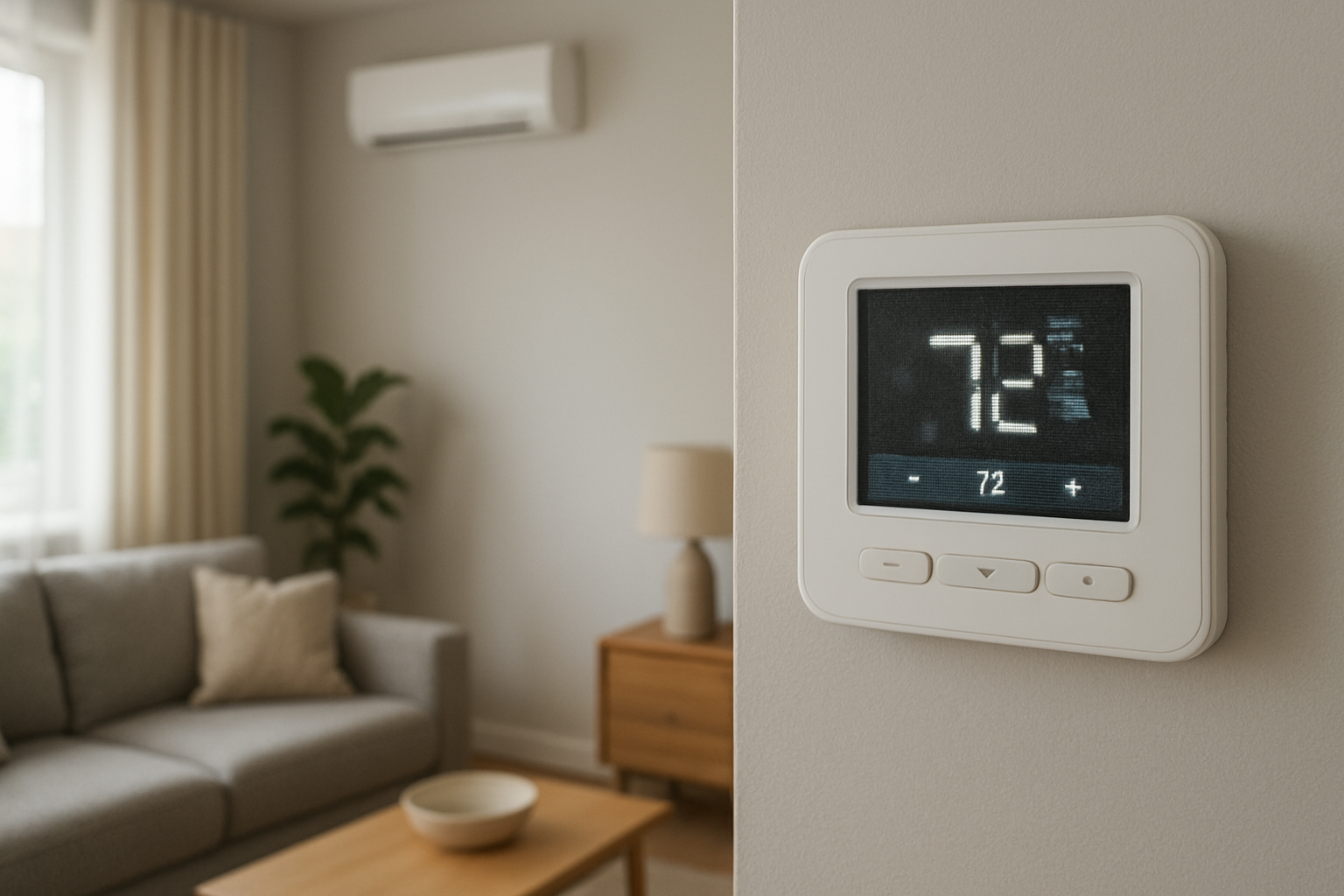
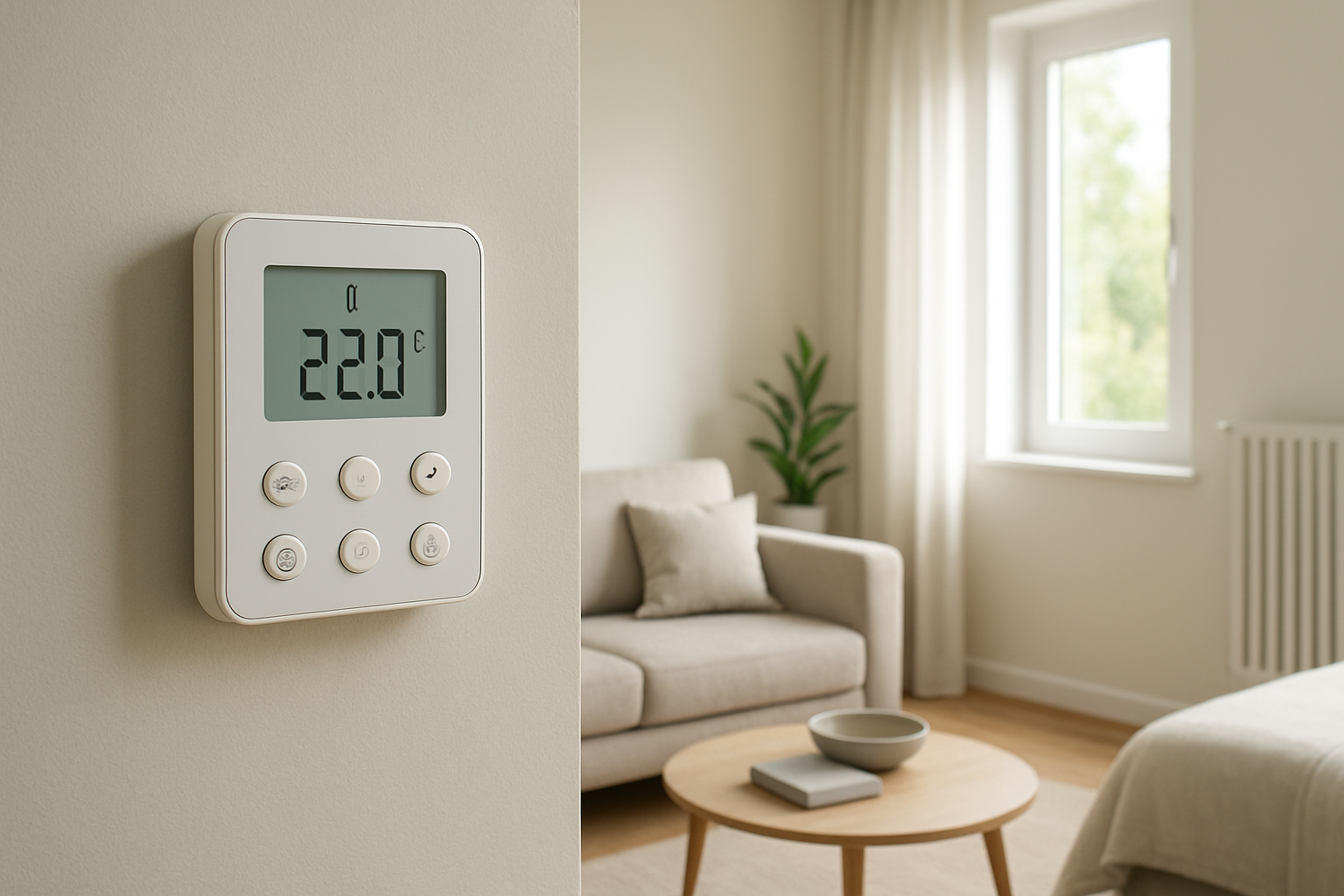
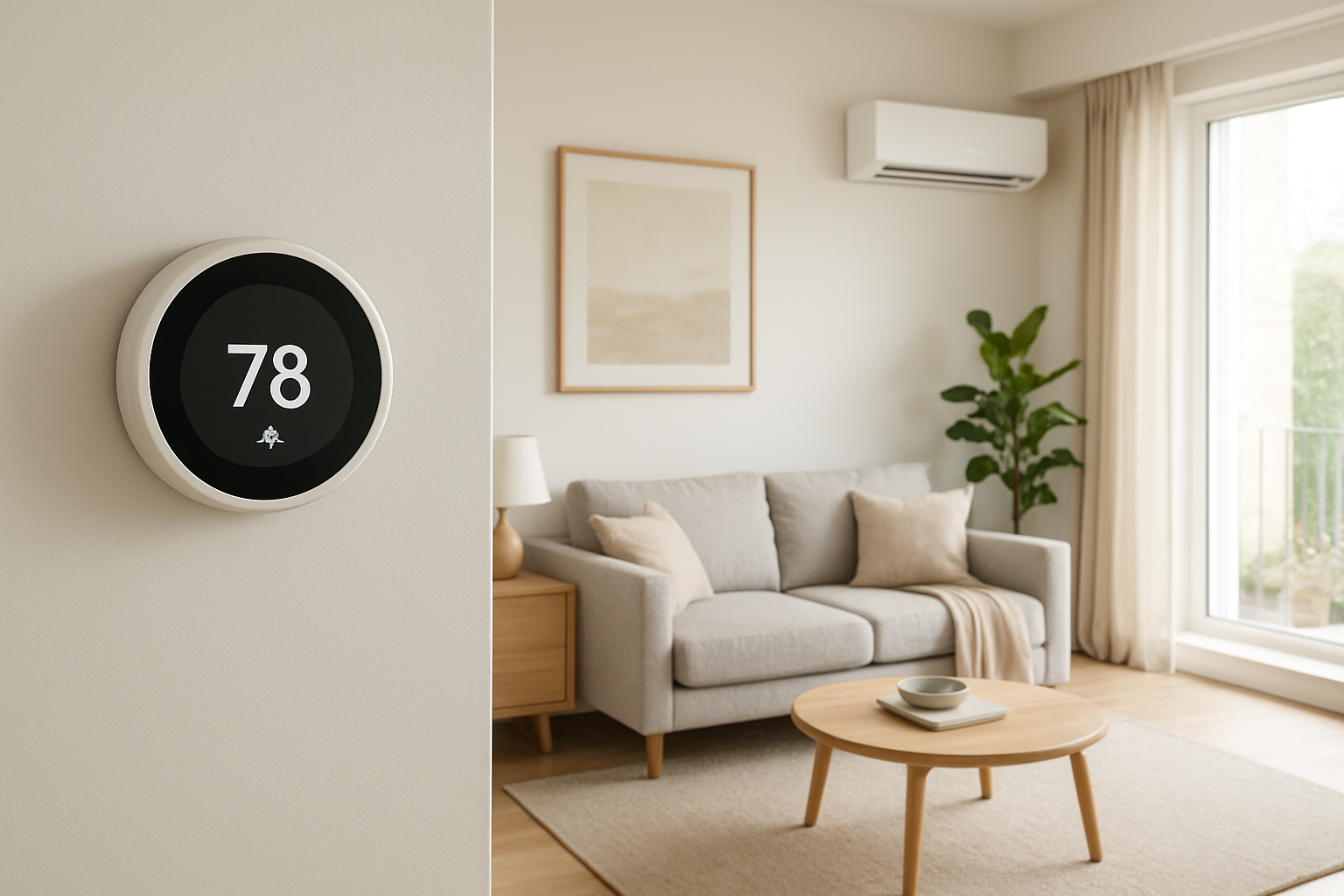
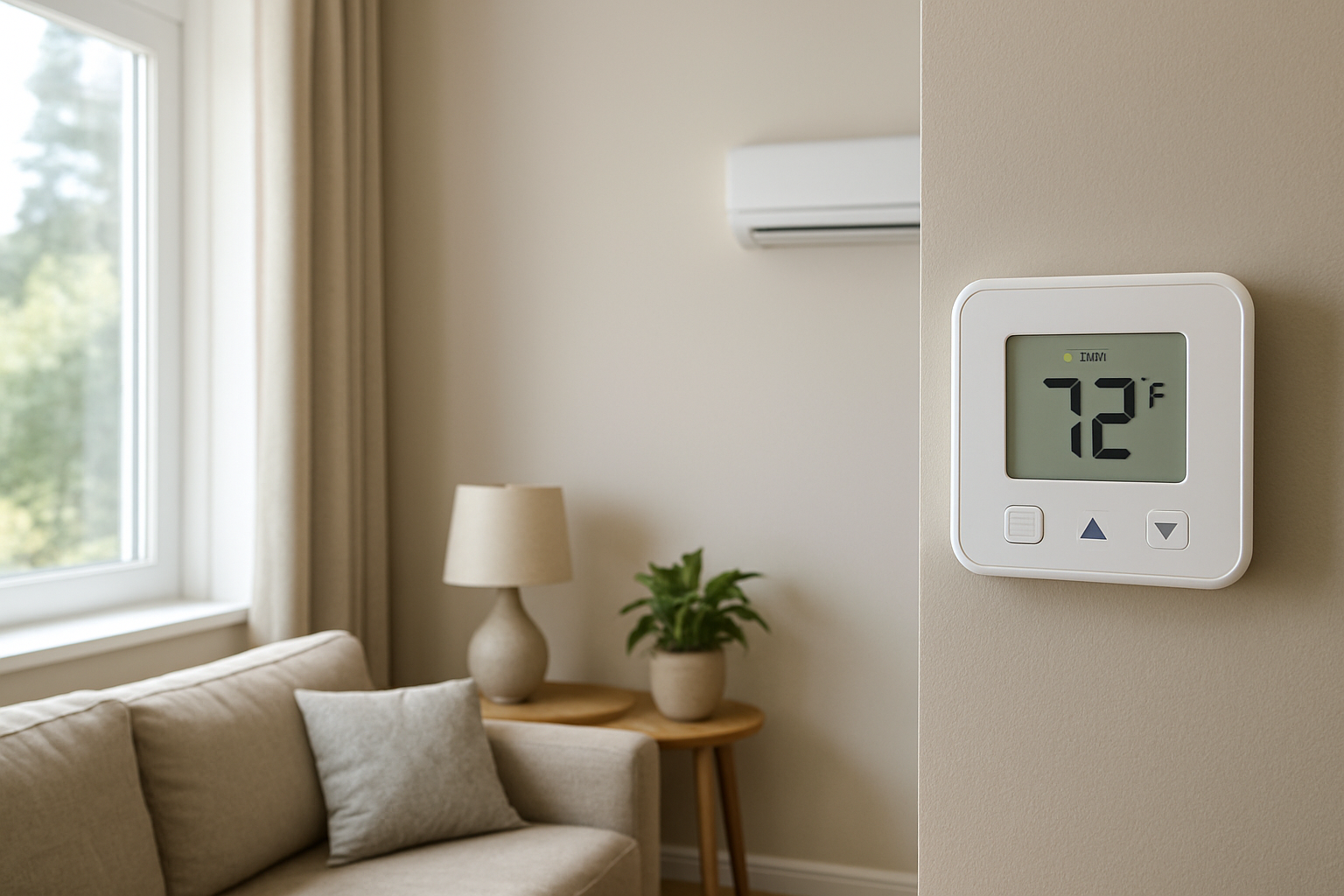
Learn how to diagnose and fix intermittent electrical contact or display power instability causing your thermostat screen to flicker occasionally, an early warning sign of potential failure.
Thermostat Screen Flickers Occasionally? Early Warning Sign
Quick Answer
An occasional thermostat display flicker is most often caused by intermittent electrical contact or unstable low-voltage power to the thermostat. First check: gently press the thermostat body and wiggle it slightly on the wall plate. If the screen flickers or the system cycles when you touch it, the issue is usually a loose mounting/base connection or unstable power feeding the thermostat.
Identify the Comfort Pattern First
Before you assume the thermostat is failing, sort the symptom by what else changes in the house when the screen flickers. The goal is to determine whether this is only a display event or a control-power event that can interrupt heating or cooling.
When it happens: Does it flicker during equipment startup, when the blower ramps up, or exactly when a call for heat/cool begins or ends? Flicker tied to transitions points to power dip or poor contact under load.
Weather dependence: More frequent flicker on hotter or colder days often means longer run times and more start/stop events, exposing a marginal power connection.
System running vs off: If flicker occurs only while heating/cooling is running, suspect power instability from the control circuit. If it happens even when the system is off, suspect batteries, thermostat base contact, or a loose R/C connection.
Intermittent vs constant: A brief flicker with normal operation is different from repeated flicker that coincides with the system stopping, resetting, or ignoring setpoint changes.
Comfort impact in rooms: Note whether you feel short bursts of air, then silence, or if the home overshoots/undershoots temperature. A power interruption can terminate a heating/cooling call early and create temperature swings.
Airflow strength: If the display flickers and you also notice the supply airflow pulse stronger/weaker at the same moment, it suggests the blower is cycling due to thermostat reset or control drop-out.
Doors open vs closed: If closing a nearby door increases flicker frequency, vibration or wire movement at the thermostat (or a pressure-related duct rumble) can be physically disturbing a loose connection.
Vertical temperature difference: If flicker events coincide with longer recovery times and you notice warm upstairs/cool downstairs stratification worsening, the system may be short-cycling from control interruptions rather than delivering steady runtime.
Humidity perception: In cooling season, if the air feels clammy after flicker events, that points to shortened compressor runtime. Less continuous cooling reduces moisture removal even if the temperature sometimes reaches setpoint.
What This Usually Means Physically
The thermostat is the endpoint of a low-voltage control circuit that must stay electrically stable for the system to run consistently. A flickering screen is a visible sign that the thermostat’s internal electronics are experiencing momentary undervoltage or a brief loss of contact.
When the thermostat’s power momentarily dips, one of two things happens:
Display-only disturbance: The screen flickers but the control signal remains stable. Comfort impact is minimal, but it often precedes a bigger failure because the same electrical weakness tends to worsen.
Control reset or drop-out: The thermostat reboots or releases the call for heating/cooling for a moment. That creates short-cycling or interrupted runtimes. In real living conditions, that shows up as uneven room temperatures, slower recovery to setpoint, and in cooling mode, higher indoor humidity because the coil does not stay cold long enough.
This is not a duct, insulation, or capacity problem first. It is usually an electrical contact or power stability issue that prevents the system from delivering steady airflow and steady heating/cooling output long enough to stabilize the indoor environment.
Most Probable Causes (Ranked)
Loose thermostat on its wall plate or weak base contacts: Flicker changes when you press on the thermostat or when doors slam, indicating physical contact instability.
Loose R wire or C wire connection at the thermostat terminals: Flicker occurs during system start/stop or vibration; comfort symptoms include brief cycling, missed calls, or occasional blank screen.
Low-voltage power dip from a failing transformer or overloaded control circuit: Flicker often coincides with contactor/relay pull-in or blower startup; may also see other odd control behavior like intermittent fan operation.
Thermostat batteries weak or battery contacts corroded (if battery-powered or battery-assisted): Flicker is more common at night/cooler temps or after long periods without interaction; the screen may dim before flickering.
Intermittent short or high-resistance splice in the thermostat cable path: Flicker is random but more common when the wall or cable is disturbed, or when humidity changes cause slight movement/expansion at a marginal splice.
Thermostat internal power regulation/display failure: Flicker persists regardless of wiring stability or batteries and does not respond to reseating; often progresses to freezing, ghosting, or full resets.
How to Confirm the Cause Yourself
Use observation and gentle interaction only. Do not open the furnace/air handler cabinet or handle exposed wiring. The goal is to see whether flicker is triggered by movement, load changes, or time.
Reseat test: With the system not actively changing modes, gently pull the thermostat straight off the wall plate (if it’s a snap-on style) and reattach it firmly. If flicker stops for days afterward, the wall plate contact was likely marginal.
Press-and-wiggle test: Lightly press the thermostat at the top, bottom, and sides. If you can reproduce flicker, you are likely dealing with a loose mount, loose terminal clamp, or worn base contacts.
Cycle-correlation check: Watch the display during a call for heat/cool. Does the flicker happen exactly when the system starts or stops? A load-related flicker points to power dip on the control circuit rather than random display behavior.
Comfort stability check: On a day when flicker occurs, track whether the system delivers continuous airflow for at least 10–15 minutes per cycle in cooling or 5–10 minutes in heating (typical, varies by weather). If you notice frequent short bursts that line up with flicker, the thermostat is likely resetting or dropping the call.
Humidity feel check in cooling: If flicker days feel more clammy even when the thermostat reads the same temperature, it suggests interrupted compressor runtime from control instability.
Battery check (if applicable): If your thermostat uses batteries, replace them with fresh, name-brand alkalines and observe for a week. If flicker disappears, the issue was battery voltage/contact, not the HVAC equipment.
Normal Behavior vs Real Problem
Usually normal: A single, rare, split-second brightness change with zero comfort impact and no loss of equipment operation, especially right when backlighting turns off or on.
Likely a real problem: Any flicker that pairs with screen dimming, blanking, rebooting, loss of scheduled settings, or the system briefly stopping and restarting. Also concerning: flicker that becomes more frequent week-to-week or can be triggered by lightly touching the thermostat.
Comfort-based warning sign: Even if the temperature eventually reaches setpoint, repeated flicker with shorter runtimes tends to create room-to-room imbalance and higher indoor humidity during cooling because the system cannot maintain stable coil temperature and steady moisture removal.
When Professional Service Is Needed
Immediate need: The thermostat goes blank, reboots repeatedly, the system turns on/off rapidly, or you smell electrical burning, see any discoloration on the thermostat, or hear buzzing from the wall area.
Schedule service soon: Flicker occurs more than once per day, is reproducible when touching the thermostat, or coincides with the HVAC system dropping out mid-cycle.
Comfort impact threshold: Noticeable temperature swings, rooms that no longer hold steady temperature, or indoor air feels clammy in cooling season even though the setpoint is maintained.
Performance decline: The system starts missing calls, takes longer to recover, or operates in short cycles that were not previously typical for the same weather.
How to Prevent This in the Future
Keep the thermostat firmly mounted: A thermostat that rocks on the wall plate will eventually create intermittent contact issues, especially on walls that vibrate from door slams or return-air pressure changes.
Replace batteries proactively: If batteries are used, replace annually and make sure the battery door closes tightly to maintain contact pressure.
Avoid wire strain: Do not tug or twist the thermostat during cleaning or redecorating. Strain on the cable can loosen terminal clamping over time.
Reduce vibration triggers: If flicker correlates with door slams or duct noises, address the cause of the rumble/popping so wall vibration is reduced. Less vibration means fewer intermittent electrical contact events.
During HVAC maintenance, request a control-voltage stability check: A technician can verify stable 24VAC under load and confirm solid connections at the control terminals to prevent nuisance resets that affect runtime and humidity control.
Related Home Comfort Symptoms
Thermostat randomly resets or loses schedule
HVAC runs for short bursts and shuts off
Indoor humidity too high even though temperature is near setpoint
Blower starts, then stops a minute later
Clicking at the thermostat or at the equipment during startup
Uneven temperatures that appear suddenly without duct changes
Conclusion
An occasionally flickering thermostat screen is most often a sign of intermittent electrical contact at the thermostat base or unstable low-voltage power feeding the thermostat. Treat it as a diagnostic clue, not a cosmetic issue: confirm whether touch, vibration, or system startup triggers the flicker, and watch for any paired comfort symptoms like short cycling or increased clamminess. If the flicker is reproducible or affects runtime, schedule service to stabilize the control power and connections.
Frequently Asked Questions
Can a flickering thermostat screen cause uneven temperatures in the house?
Yes, if the flicker is caused by a brief power interruption that resets the thermostat or drops the heating/cooling call. That can shorten runtimes, which reduces air mixing and can worsen room-to-room differences and vertical stratification.
Why does the flicker happen right when the heat or AC turns on?
That pattern usually points to a momentary voltage dip on the low-voltage control circuit when relays or contactors energize. A marginal wire connection or a weakening transformer can drop voltage just enough to make the thermostat display flicker or reboot.
If the system still heats and cools, should I ignore occasional flicker?
Ignore it only if it is rare, not reproducible by touch, and does not coincide with the system stopping, restarting, or losing settings. Increasing frequency, dimming/blanking, or any comfort change means it is no longer just a display oddity.
Will replacing the thermostat fix it?
Sometimes, but not always. If the root cause is a loose connection, unstable control voltage, or an intermittent cable issue, a new thermostat may show the same symptom. A better approach is to confirm whether reseating the thermostat or replacing batteries changes the behavior, then address wiring/power stability if it does not.
Could this be related to humidity or airflow problems?
Indirectly. The flicker itself is electrical, but if it causes short cycling or interrupted cooling calls, the home can feel more humid and airflow may pulse on and off. The comfort symptoms are the result of unstable runtime, not a primary duct or insulation failure.
Need a complete overview? Visit the full troubleshooting guide here: Read the full guide for more causes and fixes.
Those brief screen blinks can feel like a tiny drama playing out in the corner of your home—nothing alarming at first, just enough to make you notice. The good news is that the uncertainty doesn’t have to linger.
Better days are already on the way; the setup just needs to behave the way you thought it always would. After that, the thermostat can go back to being background comfort instead of a little question mark.