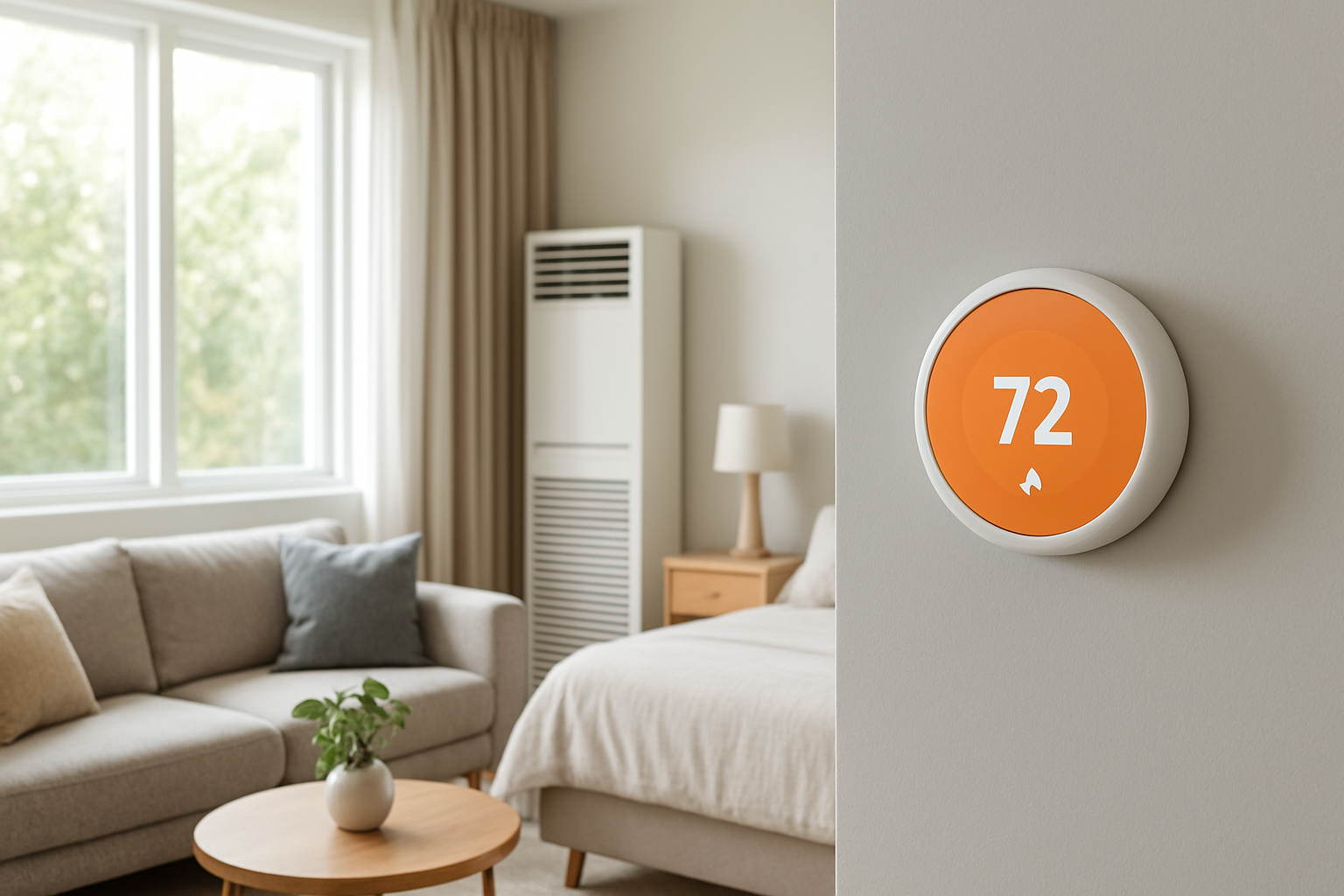
Diagnose slow thermostat response by checking for sensor lag or poor sensor placement, helping restore accurate temperature adjustments and efficient heating or cooling performance.
Thermostat Reacts Slowly To Adjustments? Sensor Delay
Quick Answer
Most slow thermostat response complaints come from thermostat sensor lag caused by poor placement or weak air movement at the thermostat. The thermostat is reading a pocket of air that changes temperature slowly. First check: place a separate thermometer next to the thermostat and gently move air around the thermostat (without heating it). If the reading changes faster with airflow, placement/sensor lag is the driver.
Identify the Comfort Pattern First
Before assuming the equipment is slow, sort out what is actually lagging: the thermostat reading, the room temperature, or the system output. These patterns tell you whether the thermostat is sitting in the wrong air or the home is slow to change.
When it happens: Worse on mild days, sunny afternoons, or after setback recovery often points to thermostat location being influenced by solar gain or a nearby heat source, not actual average house temperature.
Where it happens: If the thermostat area feels different than the rest of the home (hallway cool, living room warm, or vice versa), the thermostat is likely sampling an unrepresentative zone.
System running vs off: If the thermostat reading barely changes while the system is running but jumps later after the system cycles off, the thermostat may be in a stagnant air pocket or on a wall cavity affected by hidden drafts.
Constant vs intermittent: Intermittent slow reaction that lines up with sun exposure, cooking time, or a nearby exterior door opening points to placement influences.
Changes with doors open or closed: If closing a nearby door makes the thermostat slower or more erratic, the thermostat is depending on that doorway for air mixing.
Vertical differences: If the upstairs is warmer and the thermostat is downstairs (or vice versa), the thermostat may be reacting slowly because the sensed air is not the air you care about. Stratification delays the sensed change.
Humidity perception: If the thermostat shows little change but the house suddenly feels clammy or dry, the comfort shift may be driven by humidity load while temperature at the thermostat location lags.
Airflow strength: Weak circulation near the thermostat (no nearby returns, rugs/curtains blocking flow, or thermostat tucked into a recess) commonly produces slow sensor response because the air at the sensor is not being refreshed.
What This Usually Means Physically
A thermostat does not measure the whole house. It measures the temperature of the air touching its sensor and, to a lesser extent, the temperature of the wall and surrounding surfaces. If that sensor sits in poorly mixed air, its temperature changes slowly even when the rest of the home changes faster.
Three physical effects create the slow reaction most homeowners notice:
Stagnant boundary layer: In low air movement, a thin layer of air around the thermostat changes temperature slowly. The HVAC system can be heating/cooling the house while the sensor is still reading old air.
Thermal mass and wall influence: If the thermostat is mounted on an exterior wall, on a wall with a cool/hot cavity draft, or on a surface that heats with sun, the thermostat reading can be delayed or biased because the wall temperature pulls the sensor away from true room air temperature.
Local heat gains and stratification: Warm air pools near ceilings and cool air settles. If the thermostat is in a hallway, near a return grille, near a supply register, in a niche, or near an appliance, it can track a microclimate instead of the occupied zone. That makes adjustments seem slow or ineffective.
This is why the symptom often feels like the thermostat ignores small changes, then suddenly catches up later.
Most Probable Causes (Ranked)
Poor thermostat placement in low-mixing air
Clue: Thermostat is in a hallway, alcove, behind a door swing, above a shelf, near a corner, or far from return airflow. Changes are faster when interior doors are open.
Thermostat influenced by an exterior wall or wall cavity draft
Clue: Slow response is worse in cold or hot weather, especially windy days. The wall around the thermostat feels cooler/warmer than the room.
Sunlight or radiant heat affecting the thermostat faceplate
Clue: Late morning/afternoon swings when sun hits the wall or nearby window. Thermostat reads warmer than the space and stops heating early or cools too much.
Nearby supply register, return grille, or equipment heat source skewing the sensor
Clue: Thermostat changes quickly right when the system turns on, but comfort elsewhere is off. Or it reacts slowly until the blower runs, then jumps.
Clue: Thermostat reading lags a nearby thermometer consistently by more than a couple degrees during normal room changes, regardless of airflow patterns or time of day.
Actual house temperature changes slowly due to high thermal mass or low system output
Clue: Multiple thermometers throughout the home show the whole house changes slowly, not just the thermostat location. Runtime is long with minimal temperature change everywhere.
How to Confirm the Cause Yourself
Use observation and simple comparisons. Avoid using hair dryers, space heaters, ice, or anything that artificially heats/cools the thermostat; those tests create misleading results.
Thermometer side-by-side check: Place a reliable digital thermometer 6–12 inches from the thermostat, away from direct drafts. Let it sit 15 minutes. If the thermostat consistently differs by more than about 2°F from the nearby thermometer, suspect sensor bias or wall influence.
Air-mixing test: With the HVAC blower running (fan Auto during a call is fine), hold an interior door open near the thermostat or run the ceiling fan in the adjacent area. If the thermostat reading begins to change more quickly and the system behavior becomes more stable, the thermostat was in stagnant air.
Door position test: For one day, keep nearby doors in their usual positions. The next day, keep them open. If the slow reaction improves with doors open, the thermostat depends on hallway circulation and is not seeing representative air when doors are closed.
Time-of-day correlation: Note when the problem happens and whether sunlight hits the thermostat wall or the floor nearby. If lag or overshoot lines up with sun exposure, the sensor is reading radiant heat, not average room air.
Wall temperature clue: Lightly touch the wall near (not on) the thermostat and compare it to an interior wall a few feet away. If the thermostat wall feels noticeably cooler/warmer, the thermostat is being thermally pulled by the wall and may respond slowly.
Return/supply influence check: Stand near the thermostat during system operation. If you feel a supply burst or return draw directly affecting the thermostat area, the sensor may be in a forced microclimate. The thermostat can satisfy early (or delay) compared to the occupied rooms.
Normal Behavior vs Real Problem
Some delay is normal. Air temperature in a room does not change instantly, and many thermostats intentionally slow the displayed or control response to prevent rapid cycling.
Normal: After you change the setpoint by 1–2°F, the system may wait briefly (or run in stages) and the room may take 15–45 minutes to noticeably change, depending on outdoor temperature, insulation, and system size.
Likely a real thermostat sensing problem: The thermostat area feels different than the main living area, the thermostat reading is consistently off compared to a nearby thermometer, or the thermostat reacts very differently when doors are open versus closed.
Likely not a thermostat problem: The entire home temperature changes slowly everywhere, supply air feels weak, or the system runs long without improving any room. That points to capacity/airflow issues, not sensor lag.
When Professional Service Is Needed
Persistent comfort complaint: You regularly need large setpoint changes to get a small comfort change, or the house overshoots and then corrects later.
Measured discrepancy: Thermostat differs by more than about 2°F from a nearby stable thermometer after 15–30 minutes in the same air conditions.
Placement constraints: The thermostat is on an exterior wall, near a supply/return, in direct sun, or in a dead-air hallway and there is no easy homeowner fix. A technician can recommend relocation, remote sensor use, or airflow corrections.
Control symptoms: Short cycling, erratic staging, or frequent on/off swings that do not match the rest of the home’s temperature behavior.
Safety indicators: Any burning smell, visible soot around registers, repeated equipment lockouts, or a gas furnace that is not operating consistently should be addressed immediately, regardless of thermostat behavior.
How to Prevent This in the Future
Keep the thermostat in representative air: Best location is an interior wall in a commonly used area with stable circulation, not in a dead hallway or behind doors.
Reduce radiant influence: Prevent direct sun from striking the thermostat wall during peak hours using blinds or shade adjustments, or relocate the thermostat if sun exposure is unavoidable.
Improve air mixing near the thermostat: Keep nearby doors from blocking airflow pathways. Use ceiling fans on low to reduce stratification, especially in tall spaces.
Use remote sensors when the thermostat can’t be moved: A remote room sensor can control based on the occupied zone, avoiding hallway-only readings.
Manage wall drafts: If the thermostat is on a wall with a cavity draft, sealing wall penetrations and addressing insulation gaps reduces temperature pull and response lag.
Related Home Comfort Symptoms
Thermostat reading doesn’t match how the room feels
Rooms far from the thermostat are always too hot or too cold
System shuts off too early or runs too long compared to comfort
Big temperature difference between floors (stratification complaint)
Temperature swings that track sun exposure
Conclusion
If your thermostat reacts slowly to adjustments, the most common real-world cause is sensor lag from poor placement or weak air mixing at the thermostat, not a slow furnace or air conditioner. Confirm it by comparing a nearby thermometer reading and by checking whether airflow changes (doors open, fan running) make the thermostat respond faster. If the thermostat location is biased by sun, exterior walls, or drafts, relocation or a remote sensor is the durable fix.
Frequently Asked Questions
Why does the thermostat finally change after the system shuts off?
When the blower stops, air in the thermostat area can mix differently due to natural convection and hallway-to-room pressure changes. If the thermostat sits in a stagnant pocket or is influenced by a wall, the sensed temperature may lag during operation and then drift toward the true room average after the cycle ends.
Is it normal for the thermostat to take several minutes to respond to a setpoint change?
Yes. Many thermostats use internal filtering to prevent rapid cycling, and the room air itself changes gradually. What is not normal is a consistent mismatch between thermostat reading and a nearby thermometer, or a response that changes dramatically depending on whether doors are open or sun is hitting the wall.
Does running the fan continuously fix thermostat sensor lag?
It can reduce lag if the issue is poor air mixing at the thermostat. Continuous fan helps the thermostat sample air that better represents the home average. If the thermostat is being heated/cooled by an exterior wall, sunlight, or a nearby register, continuous fan may not solve it and can sometimes make the bias more noticeable.
Should my thermostat be near a return grille?
Not directly. A return can pull air past the thermostat and make it read closer to a whole-house average, but if it is too close it can become a microclimate that doesn’t match the occupied zone. The goal is representative room air, not a concentrated airflow path.
How far off is too far for thermostat accuracy?
As a practical field threshold, a steady difference of more than about 2°F compared to a nearby trusted thermometer (after both have stabilized in the same conditions) is enough to create real comfort and control problems and justifies investigating placement, wall draft influence, or thermostat replacement.
Need a complete overview? Visit the full troubleshooting guide here: Read the full guide for more causes and fixes.
There’s a satisfying order to it when the temperature changes actually show up on time. The lag that felt like it had a mind of its own starts to behave, and the room stops waiting around.
What looked like stubborn performance becomes, quietly, something more ordinary: a delay that never quite matched the moment. With that mismatch gone, everyday comfort feels less like negotiation and more like agreement.