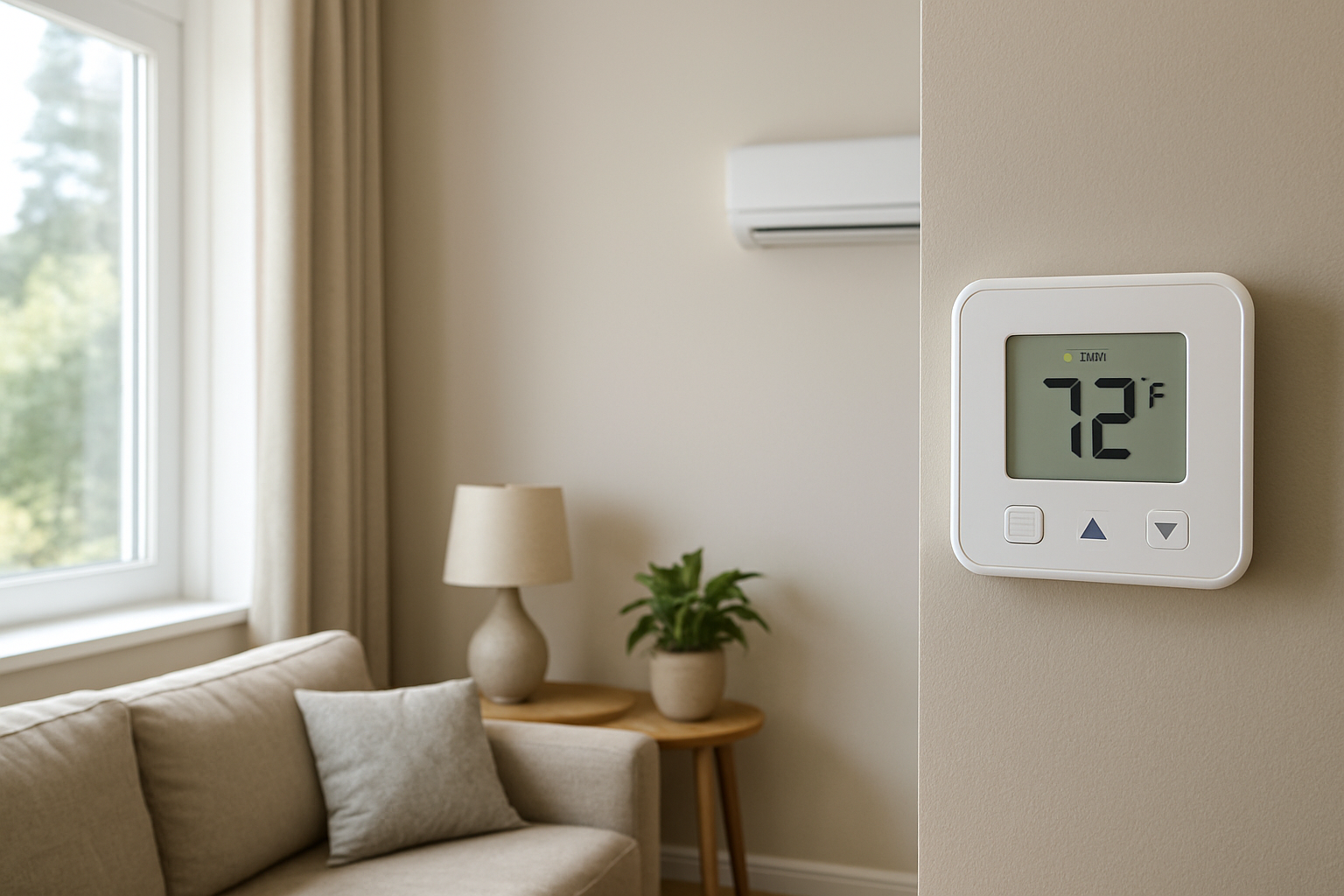
Diagnose and fix low thermostat sensitivity issues that prevent accurate detection of small temperature changes, improving comfort and energy efficiency in your home.
Thermostat Struggles To Detect Small Temperature Changes? Sensitivity Issue
Quick Answer
Most cases come down to the thermostat sensing the wrong air because of location and airflow around the sensor, not a “weak” thermostat. First check: place a reliable thermometer next to the thermostat for 30–60 minutes with the system off, then on. If the thermostat changes slowly while the nearby thermometer changes quickly, the sensor is being buffered by stagnant air or wall temperature.
Identify the Comfort Pattern First
Before assuming the thermostat is faulty, identify the pattern of when it fails to react to small changes. This tells you whether the sensor is seeing the wrong conditions or the house is changing unevenly.
Time of day: If the problem shows up mid-afternoon on sunny days, suspect solar gain heating the wall or thermostat body. If it shows up overnight, suspect stratification and low air mixing.
Weather dependence: On windy or very cold days, small drafts can cool a nearby hallway while rooms stay warm, making the thermostat appear unresponsive to room changes.
Where you feel the mismatch: If only one or two rooms drift while the thermostat area feels stable, the thermostat may be “right” for its location and “wrong” for the rooms you occupy.
System running vs off: If the thermostat seems slow only when the blower is off, low mixing and stratification are likely. If it’s slow even with the blower running, the sensor may be influenced by wall temperature or poor return airflow near the thermostat.
Constant vs intermittent: Intermittent sensitivity issues (some days fine, some days not) point to sun exposure, door position, cooking/showering humidity effects, or supply register airflow interacting with the thermostat location.
Doors open vs closed: If opening bedroom doors makes the thermostat “wake up” to changes, the home is zoning itself by closed doors and return air paths are limiting air exchange.
Vertical differences: If the upstairs feels warmer but the thermostat shows little change, stratified warm air may be staying at the ceiling and not mixing down to the sensor height.
Humidity perception: If the temperature barely changes but comfort swings noticeably (sticky or dry), you may be feeling latent load shifts while the thermostat is only responding to sensible temperature at its sensor.
Airflow strength: Weak supply airflow or a weak return pull near the thermostat often correlates with slow sensing because the thermostat is sitting in stagnant air.
What This Usually Means Physically
A thermostat only reacts to the air and surfaces immediately around its sensor. When people say it cannot detect small temperature changes, what’s usually happening is that the sensor environment is being buffered.
Stagnant air boundary layer: In low airflow areas, a thin layer of air around the thermostat changes temperature slowly. The rest of the room may be changing faster than the sensor area.
Wall temperature influence: Thermostats mounted on exterior walls, near studs, or over unsealed electrical boxes can be influenced by wall cavity temperature. The sensor then tracks the wall more than the room air, making small room-air shifts look invisible.
Air stratification: Warm air rises and cool air sinks. If the room has poor mixing, the temperature at thermostat height may remain steady while the occupied zone (couch level, bed level) changes, or the ceiling temperature changes first.
Short cycling masking small swings: If the system runs in short bursts, the thermostat location can quickly re-stabilize (especially near a return) while remote rooms continue drifting. The complaint becomes small changes not being captured, even though the thermostat is reacting to its immediate zone.
Thermostat control behavior: Many thermostats intentionally use a temperature deadband and filtering to avoid rapid on/off cycling. This can look like low sensitivity if you expect cycle-by-cycle tracking of tenths of a degree.
Most Probable Causes (Ranked)
Thermostat location has low air movement (stagnant pocket): Clue: temperature near the thermostat is stable while nearby rooms change; doors open improve responsiveness.
Thermostat influenced by wall temperature or a draft inside the wall: Clue: behavior changes with outdoor temperature or wind; the thermostat seems “stuck” near one reading, then jumps.
Sunlight or radiant heat hitting the thermostat or wall: Clue: predictable sensitivity issues during sunny periods; thermostat reads higher than the rest of the home near the same time daily.
Nearby supply register or return grille skewing the sensor environment: Clue: when the system runs, the thermostat area changes quickly but the rest of the home does not (or vice versa). A vent blowing toward the thermostat can also cause delayed or erratic response.
Closed doors and poor return paths creating micro-zones: Clue: bedrooms drift several degrees with doors closed; opening doors or running the fan continuously reduces the issue.
Thermostat filtering/deadband or adaptive recovery settings: Clue: thermostat is consistent but does not react to changes smaller than its built-in swing; cycles occur only when the reading crosses a clear threshold.
Actual thermostat sensor drift or calibration error: Clue: thermostat reading differs from a stable thermometer by more than about 2°F after both sit undisturbed for an hour.
How to Confirm the Cause Yourself
These checks rely on observation and simple comparisons. Avoid opening the thermostat or touching wiring.
Side-by-side temperature stability test: Place a reliable digital thermometer (or two different ones) within 2 inches of the thermostat for 30–60 minutes with the system off. Then run heating or cooling for 15 minutes. If the nearby thermometer changes and the thermostat lags significantly, the thermostat is being buffered by wall temperature or stagnant air around the sensor.
Wall influence check: With the system off, place your hand on the wall around the thermostat. If the wall feels notably cooler/warmer than nearby interior walls (especially on exterior walls), suspect wall conduction or wall cavity leakage affecting the sensor.
Draft-in-wall check (no tools): On a windy day, stand near the thermostat and feel for a faint cool draft at the wall plate level. A subtle draft can stabilize the thermostat reading around the wall cavity temperature, making room changes seem ignored.
Door position test: Hold bedroom doors open for a full day and note whether the thermostat responds more normally and whether room-to-room differences shrink. Improvement points to return-air and mixing limitations, not a “bad thermostat.”
Supply/return interaction check: While the system runs, stand at the thermostat and notice whether you feel direct supply air movement or strong return pull. If supply air hits the thermostat area, the sensor can be “over-conditioned” compared with the rest of the home. If neither supply nor return influences that area, it may be a stagnant pocket.
Vertical stratification check: Using the same thermometer, compare temperature at thermostat height vs about 6–12 inches below the ceiling in the same room (hold it there for 2–3 minutes). A difference greater than about 3°F indicates poor mixing; the thermostat may not track the comfort level where you sit or sleep.
Cycle behavior check: Observe whether the temperature display changes smoothly or “steps” after delays. Step changes often align with sensor filtering and sampling rather than true room stability.
Normal Behavior vs Real Problem
Normal: Many thermostats are designed not to react to tiny fluctuations. A typical control deadband is roughly 1–2°F to prevent short cycling. It is also normal for a thermostat in a hallway or near a return to read differently than bedrooms with doors closed.
Likely a real problem: Any of the following suggests a sensitivity issue driven by sensing environment or sensor error rather than normal control behavior:
Thermostat reading is consistently off by more than about 2°F compared with a stable, trusted thermometer placed next to it for an hour.
Temperature display stays nearly unchanged while comfort clearly shifts in the main living area by several degrees (not just a slight feel difference).
Thermostat only seems “wrong” during specific conditions like sun on the wall, windy weather, or when doors are closed, indicating environmental bias.
Room-to-room temperature spread exceeds 4–6°F while the thermostat area remains stable, indicating the thermostat is not representing the occupied zone.
When Professional Service Is Needed
Calibration mismatch persists: If repeated side-by-side checks show the thermostat differs by more than 2°F and the offset cannot be corrected in settings (or the correction required is extreme), the sensor may be failing or the mounting location is invalid.
Comfort impact is significant: If the home routinely overshoots/undershoots setpoint by more than 3°F in occupied rooms, a technician should evaluate thermostat placement, return paths, and airflow balance.
System performance declines: If sensitivity complaints coincide with longer runtimes, weak airflow, ice on the indoor coil (cooling), or supply air that is not distinctly warm/cool, the issue may be broader than sensing and requires HVAC diagnostics.
Electrical or safety indicators: If the thermostat reboots, screens flicker, batteries drain rapidly, or you smell overheating plastic near the thermostat, stop troubleshooting and schedule service.
How to Prevent This in the Future
Improve air mixing at the sensor: Keep nearby supply registers correctly aimed (not at the thermostat) and ensure return airflow is not blocked by furniture or closed interior doors.
Reduce wall influence: If the thermostat is on an exterior wall, consider relocating it to an interior wall that better represents the main occupied space. This is the most reliable long-term fix when wall conduction or wall cavity drafts are confirmed.
Control solar gain at the thermostat area: Use blinds/curtains during peak sun if sunlight reaches the thermostat wall; avoid placing lamps or electronics that radiate heat beneath it.
Maintain consistent return paths: If bedrooms are routinely closed, use transfer grilles or door undercuts sized for airflow so the thermostat does not control based on a disconnected hallway zone.
Use thermostat settings correctly: If your thermostat supports adjustable cycle rate, temperature swing, or averaging sensor options, set them to match your system type and comfort expectation rather than maximum sensitivity.
Related Home Comfort Symptoms
Thermostat reads correct but some rooms are always warmer or cooler
Temperature is stable at the thermostat but swings in bedrooms with doors closed
Cooling runs longer in late afternoon even though setpoint is unchanged
Upstairs feels hot while thermostat shows only a small increase
System short cycles and never seems to “settle” at a steady temperature
Conclusion
When a thermostat seems unable to detect small temperature changes, the most probable explanation is not low sensitivity hardware but a sensor environment problem: stagnant air, wall temperature bias, sun exposure, or airflow patterns that isolate the thermostat from the occupied zone. Confirm it by comparing the thermostat to a nearby thermometer and observing how door position, sun, and airflow change the behavior. If the reading is consistently off by more than about 2°F or room spread exceeds 4–6°F, professional evaluation of placement and airflow is justified.
Frequently Asked Questions
Why does my thermostat stay at the same number for a long time, then suddenly change?
Many thermostats sample and filter sensor data to prevent rapid cycling. If the thermostat is also in stagnant air or influenced by wall temperature, the displayed value can lag until the sensor environment finally shifts, then the reading updates in a noticeable step.
What temperature difference between my thermometer and thermostat is acceptable?
After both sit side-by-side for at least an hour with no direct sun or drafts, a difference within about 1°F is typical. A consistent difference greater than about 2°F suggests sensor calibration error or strong location influence from the wall or airflow.
Can a nearby vent make the thermostat seem less sensitive?
Yes. If supply air blows on or near the thermostat, it can condition the sensor area faster than the home, causing the system to stop early. The homeowner experiences ongoing room drift while the thermostat appears unresponsive to small changes happening elsewhere.
Does humidity make it feel like the thermostat is not reacting?
Humidity changes comfort without always changing temperature much. A thermostat primarily tracks temperature at its sensor. After showers, cooking, or rainy weather, you can feel warmer or cooler at the same temperature, which can be mistaken for thermostat insensitivity.
Should I run the fan continuously to help thermostat sensitivity?
Continuous fan can reduce stratification and help the thermostat sample more representative air, especially in multi-story homes or when rooms are isolated. If it noticeably improves comfort and responsiveness, that points to an air mixing and return-path issue rather than a defective thermostat.
Need a complete overview? Visit the full troubleshooting guide here: Read the full guide for more causes and fixes.