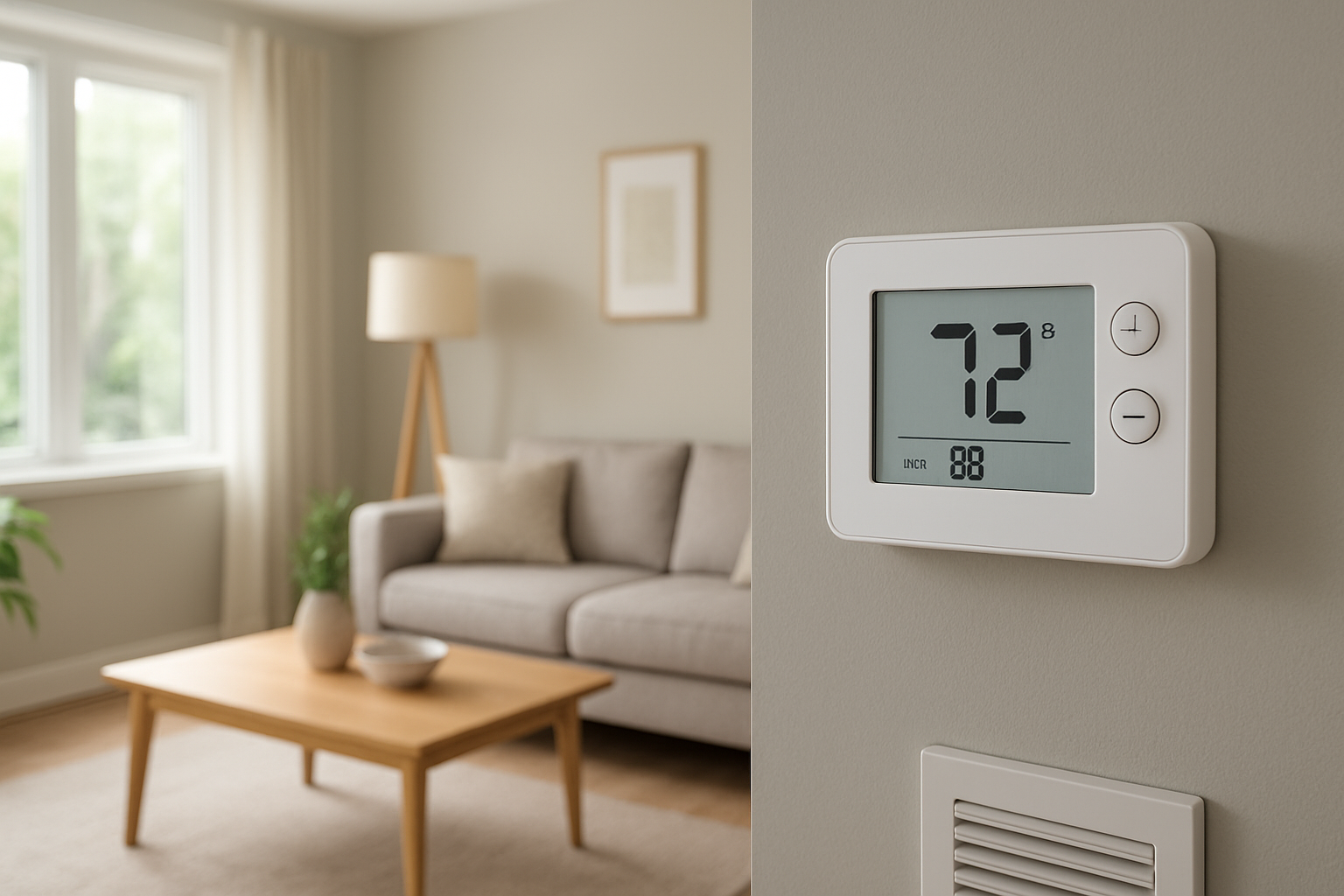
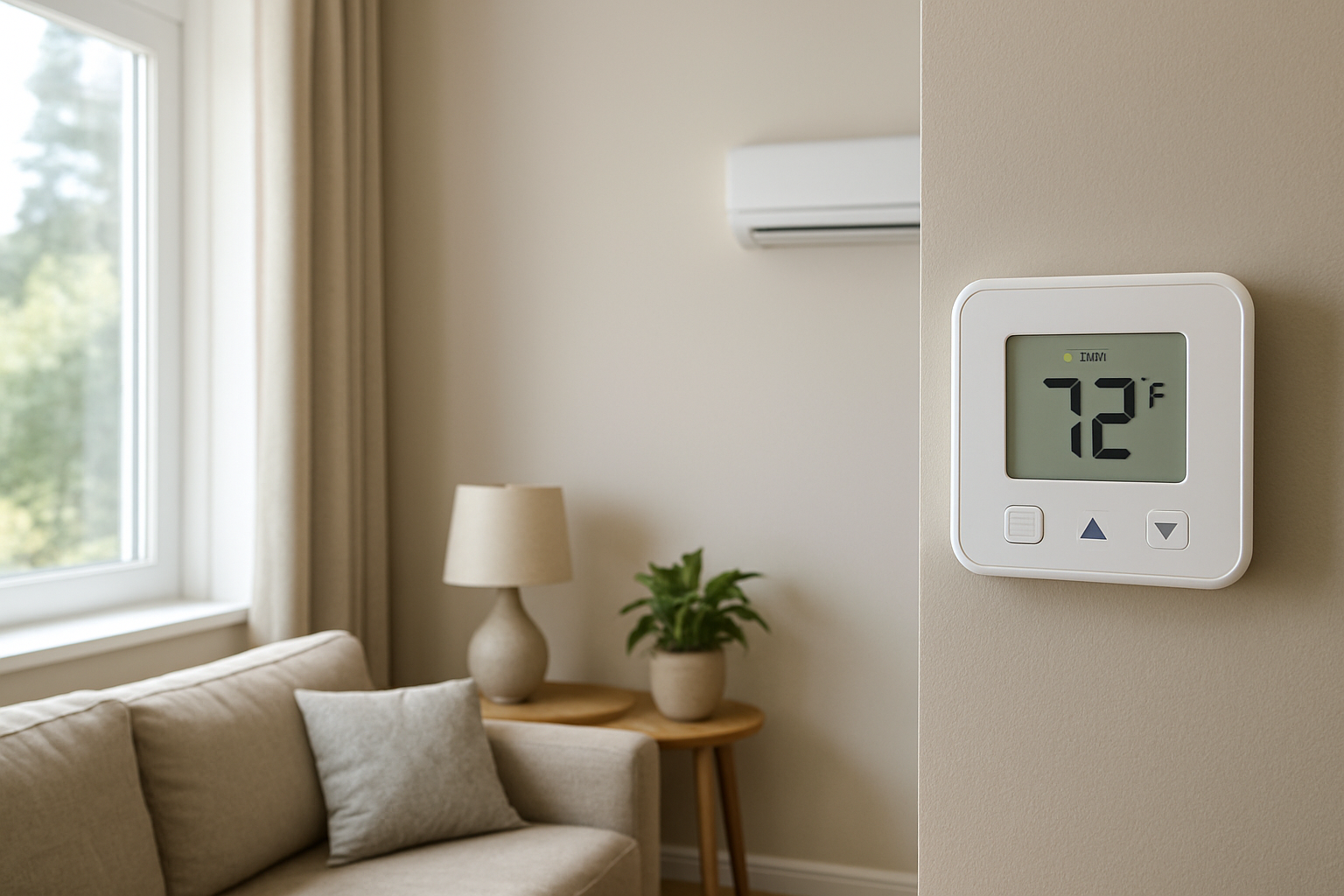
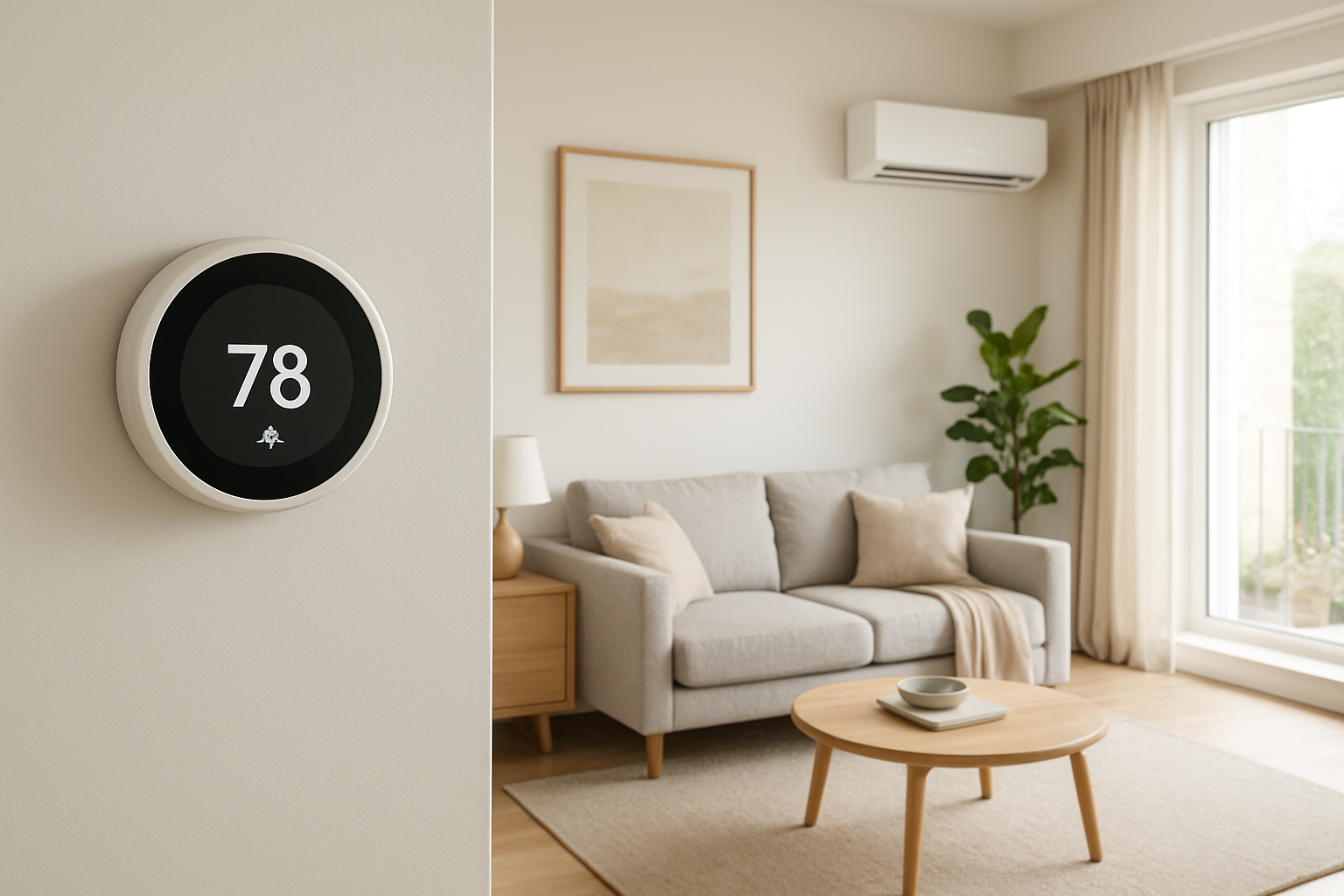
Diagnose and fix slow thermostat temperature updates caused by sensor lag, sampling delays, or sensor drift for more accurate and responsive climate control.
Thermostat Takes Minutes To Update Temperature? Sensor Lag
Quick Answer
Most cases come from slow thermostat sampling and sensor bias caused by placement and local airflow, not a slow HVAC system. First check: place a reliable digital thermometer next to the thermostat (not in your hand) and compare both readings every minute for 10 minutes with the system off. If the thermostat updates slowly or stays consistently offset, the sensor or its environment is the issue.
Identify the Comfort Pattern First
Before blaming the equipment, sort out the pattern. Sensor lag has consistent fingerprints that differ from real room temperature problems.
When it happens: Does the delay show up after a sudden change like cooking, showering, a fireplace, doors opening, or sun hitting the wall? Sensor lag is most obvious during fast temperature swings.
Where it happens: Is only the thermostat area wrong, while other rooms feel normal? If the full home feels off, it is less likely to be only the thermostat sensor.
System running vs off: If the thermostat is slow even with the HVAC off, that points toward sampling rate, sensor drift, or localized air mixing issues around the thermostat.
Constant vs intermittent: A steady offset of 1–3°F suggests sensor bias or location effects. A slow response only after equipment starts/stops often points to thermostat thermal mass, wall temperature influence, or discharge air washing the thermostat.
Changes with doors open or closed: If opening a nearby door makes the thermostat reading change faster, the problem is poor air mixing at the thermostat location (stagnant pocket).
Vertical differences: If upstairs feels warmer but the thermostat changes slowly, stratification may be real while the thermostat sits in a mixed or cooler layer. If the thermostat is in a hallway with little mixing, it may not track room changes quickly.
Humidity perception: High humidity makes a room feel warmer without a big temperature increase. If comfort changes quickly but temperature hardly moves, the thermostat may be fine and the sensation is humidity-driven.
Airflow strength: Weak supply airflow can make rooms change temperature slowly, but it does not usually make the thermostat update slowly minute-to-minute. A slow updating display with normal airflow points back to sensing/sampling.
What This Usually Means Physically
A thermostat does not measure the whole house. It measures the temperature of air (and partly the nearby wall surface) at one spot, using a sensor that has its own response time and an internal software update interval.
Slow sampling: Many thermostats average readings or update the display on a timer. If it samples every 30–60 seconds and smooths readings, a fast change in the room can take minutes to show.
Sensor thermal mass and enclosure lag: The sensor sits inside a plastic housing attached to a wall. The housing and wall act like a heat reservoir. If the wall is cooler/warmer than the air, the sensor is pulled toward the wall temperature and responds slowly when air changes quickly.
Localized air mixing: Thermostats in hallways, alcoves, near returns, or behind doors can sit in a stagnant air pocket. The room air changes, but the air bathing the thermostat changes slowly, so the reading lags real living space conditions.
Sensor drift or bias: Over time, some sensors read consistently high or low. The thermostat may still update on time, but it will be wrong by a predictable amount. Some thermostats also filter the reading, making drift feel like lag.
The key point: display lag or slow response usually reflects measurement and air mixing at the thermostat, not the furnace or AC failing to heat or cool.
Most Probable Causes (Ranked)
Thermostat software averaging or slow display refresh: The number changes in steps or updates every 30–120 seconds, even when you know the room is changing quickly.
Thermostat influenced by wall temperature (mounted on an exterior wall or uninsulated cavity): Reading stays “stuck” near the old value after the system runs, then creeps over several minutes; worse during cold snaps or hot afternoons.
Poor air mixing at thermostat location (dead air pocket): Reading changes faster when a nearby door opens, a fan runs, or you stand near it and move air.
Return grille or supply register air washing the thermostat: Temperature changes quickly but in the wrong direction at start/stop (for example, sudden cool blast near the thermostat during cooling makes it think the house cooled faster than it did).
Sensor drift/calibration error: Thermostat tracks changes but stays consistently offset from a trusted thermometer by more than about 2°F after both stabilize.
Loose base, wiring back-draft from wall cavity, or drafts from nearby openings: Reading drops/rises when the HVAC blower runs due to pressure differences pulling wall cavity air across the sensor.
How to Confirm the Cause Yourself
You can confirm sensor lag and drift using observation and simple comparisons. Avoid opening the thermostat or changing wiring.
Stabilized comparison test (checks drift): Put a reliable digital thermometer on a small shelf or stool within 6–12 inches of the thermostat. Leave both for 15 minutes with the system off. If the thermostat is consistently off by more than 2°F, suspect sensor bias or wall influence.
Response test (checks lag/sampling): After the stabilized test, gently increase air movement around the thermostat by running a ceiling fan or a portable fan across the hallway (not directly blasting the thermostat). Watch both readings each minute for 10 minutes. If the external thermometer moves and the thermostat hardly changes for several minutes, the thermostat is sampling/averaging slowly or is thermally coupled to the wall.
Door effect test (checks dead air pocket): If the thermostat is near a bedroom door or at the end of a hall, close nearby doors for 10 minutes, then open them and observe whether the thermostat reading begins changing faster. Faster change with doors open indicates the thermostat sits in stagnant air.
Wall influence check (exterior wall clue): Place your hand near the wall surface around the thermostat. If the wall feels noticeably cooler/warmer than the indoor air (common on exterior walls), expect slow and biased readings. Also note if the issue is worse during extreme outdoor temperatures or strong sun on that wall.
Supply/return wash check: Stand still near the thermostat when the HVAC starts. If you feel a direct stream of cool or warm air, or a draft toward a return, the thermostat is not sensing representative room air. The reading may change quickly but not reflect comfort in living areas.
Time-to-change threshold: In a typical home, when real indoor air is changing, you should see at least a 1°F change on a nearby good thermometer within 5–15 minutes during active heating or cooling. If your reference thermometer moves but the thermostat does not update for several minutes at a time, that is measurement behavior, not house thermal inertia.
Normal Behavior vs Real Problem
Normal: The displayed temperature updates in small steps and may take 1–3 minutes to reflect a new condition. Minor lag is expected because thermostats filter readings to avoid short-cycling.
Normal: During mild weather, the indoor air changes slowly. If the system is off, a temperature that barely changes for several minutes can be completely normal.
Real problem: Thermostat temperature is consistently more than 2°F different from a trusted thermometer after 15 minutes side-by-side.
Real problem: Thermostat reading reacts dramatically to HVAC start/stop (sudden jumps) while the rest of the home does not feel that fast change.
Real problem: The reading changes significantly when you open/close a nearby door or when the blower runs, suggesting drafts, wall cavity influence, or poor location.
Real problem: Comfort is unstable even though the thermostat appears steady, suggesting the thermostat location is not representative and is hiding swings elsewhere.
When Professional Service Is Needed
Persistent offset: More than 2°F difference from a known-good thermometer after stabilization, and the thermostat has no calibration option or calibration does not hold.
Comfort impact: Rooms are routinely uncomfortable because the system shuts off early or runs too long due to biased sensing at the thermostat.
Draft or wall cavity suspicion: You notice temperature swings at the thermostat when the blower starts, or the wall area around the thermostat feels like an exterior cold/hot spot. A technician can check mounting, wall cavity leakage, and location suitability.
System performance decline: If the home truly is not reaching setpoint, or runtime becomes unusually long, this shifts from sensing to heating/cooling capacity, airflow, or duct issues.
Safety indicators: If heating is involved and you have unusual odors, soot, burning smells, or new headaches/dizziness, stop using the equipment and call for service. Sensor lag is not the priority in those cases.
How to Prevent This in the Future
Choose a representative location: Avoid exterior walls, direct sunlight, kitchens, bathrooms, near supply registers, near returns, or behind doors.
Improve air mixing near the thermostat: Keep nearby doors from blocking airflow. Use balanced airflow (proper return paths) so the hallway is not a stagnant zone.
Control wall influence: If relocation is not possible, ensure the mounting surface is not an exterior wall cavity leak. Proper sealing and insulation behind the stat base reduces false readings.
Use a thermostat with adjustable filtering: Some models allow sensor averaging settings. Excessive smoothing can feel like lag in homes with quick internal load changes.
Keep returns and filters maintained: Good circulation reduces stratification and makes the thermostat location more representative, reducing perceived lag complaints.
Related Home Comfort Symptoms
Thermostat reads wrong temperature compared to every room
System short-cycles even though the house is not comfortable
Hallway is a different temperature than living areas
Upstairs too hot while thermostat seems satisfied
Temperature swings after sun hits one side of the house
Conclusion
If your thermostat takes minutes to show temperature changes, the most likely explanation is slow sampling/averaging or sensor bias from wall temperature and poor air mixing at the thermostat location. Confirm it by comparing to a reliable thermometer placed next to the thermostat and watching how both respond over 10–15 minutes with the system off and with gentle air movement. If the offset exceeds 2°F or the reading is draft-driven, plan for thermostat location correction or replacement.
Frequently Asked Questions
How much thermostat lag is considered normal?
A 1–3 minute delay or small stepwise updates can be normal due to built-in filtering. If it takes 5+ minutes to reflect a clear change that a nearby thermometer shows, that points to overly aggressive averaging or non-representative sensing at the wall.
Why does the thermostat change faster when I walk by or open a door?
That indicates the thermostat is in a low-airflow pocket. Your movement or the door opening mixes air and finally brings the sensor into contact with the room’s actual air temperature.
Can an exterior wall make the thermostat read slowly or incorrectly?
Yes. The wall surface temperature can pull the sensor away from true air temperature, especially during extreme outdoor weather. The thermostat may lag after HVAC cycles because the wall warms or cools slowly compared to indoor air.
Is this a thermostat problem or an HVAC equipment problem?
If the thermostat reading is slow or wrong even when the HVAC is off, it is usually a thermostat sensing/location issue. If the thermostat updates normally but the home temperature truly changes slowly and never reaches setpoint, that points toward capacity, airflow, duct, or insulation/load problems.
Should I use the thermostat temperature offset setting?
Use it only after you confirm a stable offset with a trusted thermometer placed next to the thermostat for 15 minutes. Offsets correct bias but do not fix poor placement, drafts, or slow sampling behavior.
Need a complete overview? Visit the full troubleshooting guide here: Read the full guide for more causes and fixes.
After the lag is gone, the room feels less like it’s “catching up” and more like it’s simply keeping up. The difference is small, but it shows up in the quiet moments—when you glance at the display and it finally behaves like you expect.
Temperature updates used to feel like they arrived late to the party; now they’re just… on time. That’s the kind of fix you notice without needing to think about it, and somehow it makes the whole day run a little smoother.